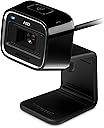
🎥 Elevate your video calls with HD clarity and pro-level focus — don’t just connect, captivate!
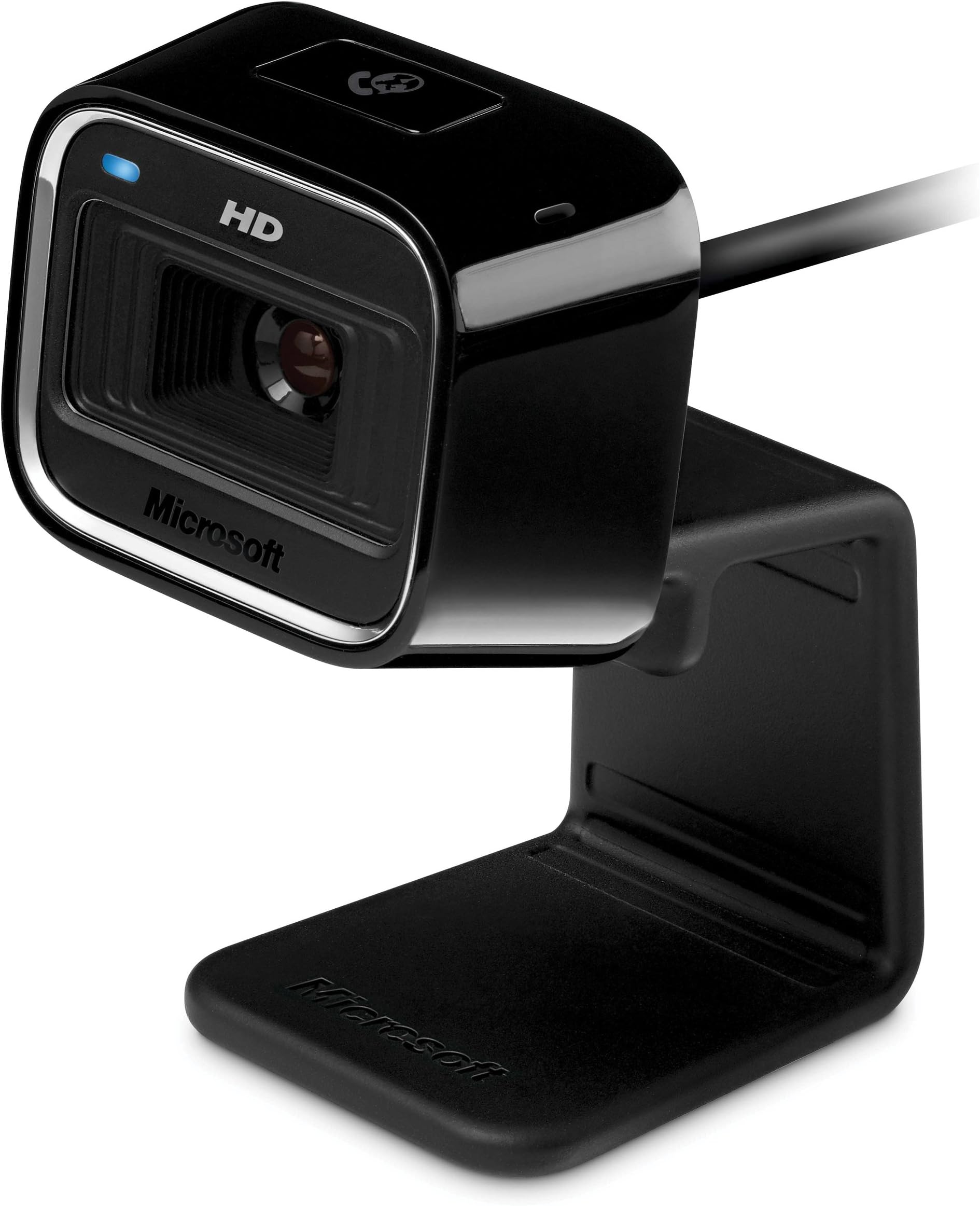
The Microsoft LifeCam HD-5000 delivers true 720p HD video with Auto Focus and TrueColor Technology, ensuring bright, sharp, and vibrant video calls. Its 16:9 widescreen format offers a cinematic viewing experience, while the versatile mounting options make it perfect for both laptops and desktops. Ideal for professional and personal use, this webcam enhances your online presence with reliable performance and easy setup.
| ASIN | B002XN7C6W |
| Best Sellers Rank | #1,169 in Webcams |
| Customer Reviews | 4.3 4.3 out of 5 stars (360) |
| Date First Available | March 16, 2010 |
| Is Discontinued By Manufacturer | No |
| Item Weight | 3.36 ounces |
| Item model number | 7ND-00001 |
| Manufacturer | Microsoft |
| Product Dimensions | 1.49 x 1.61 x 4.29 inches |
M**L
Nice features and quite good
The LifeCam HD-5000 is quite a decent webcam. For $30, I'd have to say it a great purchase. The picture is good with a good variability of resolutions. The microphone is great (seems to have decent noise cancellation in place). Great choice for Skype. Note that this is not a Skype HD rated webcam as the 720p video is encoded on the machine, not in the camera hardware itself. As of this moment, there are very few Skype HD rated webcams out there, so I don't expecting great 720p performance on every machine from this webcam. The following two paragraphs are relevant to Windows machines only: With regard to auto-focus, I would like to point out that contrary to some other reviews, the auto-focus can be disabled in the webcam settings without disabling TrueColor, which adjusts for brightness, hue, and saturation (as well as other aspects of the image). Overall, auto-focus is great to have, it works very well in certain setups, and very poorly in others. I do like being able to hold up text to the camera and have it focus on the image. If you have problems with the auto-focus, simply turn it off in the (advanced) webcam settings (which can be accessed in the control panel, in Skype, or through the LifeCam software). Here are some points on the LifeCam software. First, I would like to point out that you do not need to install it. Without the LifeCam software, the camera works great with the drivers Windows (7) chooses to install for it. There are, however, some differences. The LifeCam software is what provides TrueColor, which does make for a better video when chatting online. The LifeCam software also auto-adjusts the frame rate for your machine depending on the resolution, this makes for smoother video for online chatting. Auto-adjustment of the frame rate can be an issue if you want to shoot 720p at 30fps on a machine that the software considers weak. Many people will need to uninstall the LifeCam software and use MJPG compression to achieve 30fps at 720p on this webcam. Also, without the LifeCam software, many more of the webcam settings become available to the system, but TrueColor will be gone. In my experience, it is best to let the LifeCam software run if your main purpose is to use Skype or other video chat clients. Comments on using the LifeCam HD-5000 with Mac OS X: This webcam is (at least partially) UVC compliant, so it will work on Mac OS X (and Linux). Most webcams sold these days are UVC compliant, so this is not something particular to the LifeCam HD-5000. The microphone also work well. However, for those of you with Mac OS X, it very likely that an iSight (which most Macs have anyway) will work much better. With UVC drivers on Mac OS X, the video can be choppy and is at a fixed resolution of (what looks like) 640x480. No 720p for Mac OS X users. Auto-focus and image correction features are, of course, also not available on Mac OS X. Overall, the product is great to have. I appreciate the design, as it is both table and laptop compatible. For those of you eying a LifeCam HD-5001 or LifeCam HD-6000, know that the optics are the same, so the video quality should be identical.
C**E
Love.
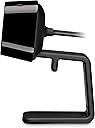
I purchased this cam not really knowing what to expect. I just needed a cam to Skype with my daughter while she's gone. When I opened the package, I was surprised. I thought it would have been a little smaller. That being said, I really like it. The stand contorts to many positions for ease of use. Clip it to your laptop, stand-alone monitor, or curl it under so it can stand alone. The microphone works fantastically, which was one of my big worries. Not having a good stand-alone mic because most built-in mics tend to be really crappy. Not this one. It picks up everything you say with minimal background interference. The cam quality itself is what wowed me. Granted, it likes to auto-focus quite a bit if you have a high light source behind you (Including sunny windows) BUT the precise focus is fantastic. Some smaller things may take a second (like displaying items on cam) but as long as you create it so you're the center of focus with lighting and positioning, it will hold perfectly on you or that item with HD quality. I really love this cam. It's not the absolute best, but it's the best for it's price range.
A**A
Affordable Security! Well Manufactured
This webcam was bought to use as a make-shift security camera in the office of a business. Paired with freeware webcam software, it performed this function without a hitch. I was able to install the webcam on a Dell desktop from from 2000 or so, and while the running of the software does slow the computer down a bit, that would be expected with a computer having 512MB of RAM. The quality of the physical item is well designed and built. It is a small device, with the front profile the size of about a half a poker card (including the stand), which served its purpose well. However, being small and lightweight, it requires some manipulation to attain the wanted view. The picture is startling clear. Compared to any built-in webcam I've ever seen, it's night and day. The auto focus works well, although it does depend on the lighting. In a darker room, or with overly bright lighting, the focus can be a little slow to clear. With ideal atmosphere, it takes the webcam about a blinks worth of time to focus on a new area or object. Overall, this webcam performs exceedingly well for the price as an impromptu security camera. While I do not use it for any use other than that, I can say that it would most definitely perform well given any task expected of it. It is easy to install and operate, and with free software, versatile and inexpensive.
A**N
Picture quality on the low. But overall is OK
Trustpilot
2 weeks ago
2 weeks ago