
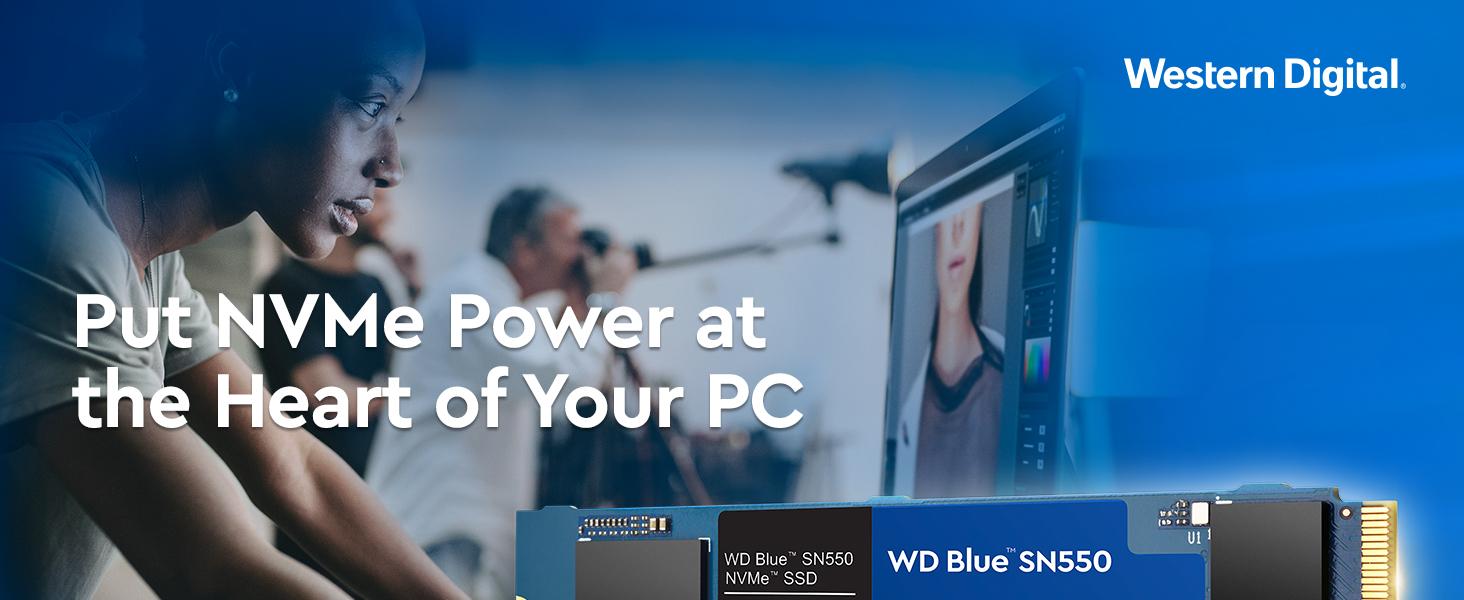
⚡ Upgrade your PC’s heartbeat with WD Blue SN550 – speed meets reliability!
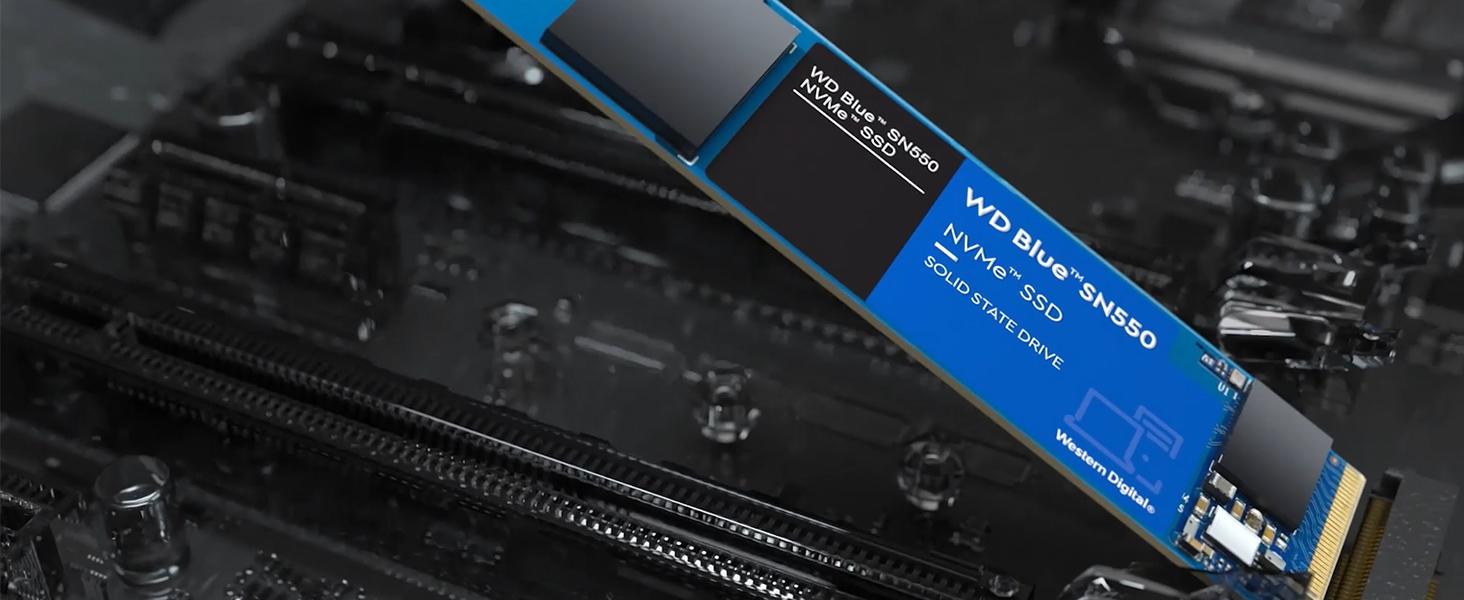
The Western Digital 500GB WD Blue SN550 NVMe SSD delivers blazing Gen3 x4 PCIe speeds up to 2400 MB/s in a compact M.2 2280 form factor. Engineered with WD’s proprietary controller and 3D NAND technology, it offers a reliable, cable-free upgrade that’s over four times faster than traditional SATA SSDs. Perfect for professionals and gamers seeking affordable, high-performance storage with real-time health monitoring via the WD Dashboard.





| ASIN | B07YFF3JCN |
| Best Sellers Rank | #887 in Internal Solid State Drives |
| Brand | Western Digital |
| Color | Blue |
| Customer Reviews | 4.8 4.8 out of 5 stars (40,116) |
| Date First Available | December 10, 2019 |
| Flash Memory Size | 500 |
| Hard Drive | 500 GB Solid State Hard Drive |
| Hard Drive Interface | NVMe |
| Hardware Platform | Linux, Mac, PC |
| Is Discontinued By Manufacturer | No |
| Item Dimensions LxWxH | 3.15 x 0.87 x 0.09 inches |
| Item Weight | 0.247 ounces |
| Item model number | WDS500G2B0C |
| Manufacturer | Western Digital |
| Product Dimensions | 3.15 x 0.87 x 0.09 inches |
| RAM | 8 GB |
| Series | SN550 |
T**4
Doesn't Disappoint; Just Do Your Research!
My old Samsung 850 EVO 250gb SSD boot drive was consistently getting too full so it was time to upgrade. This is my first NVME drive and it does not disappoint. Plenty of storage and it's nice and fast. Sure there are faster NVME drives out there but for general use you don't really need anything faster than this (And you probably wouldn't notice a big difference anyway). It was super easy to install in the system and I like that there are no power or data cables to mess with. A couple counter-points based on other peoples reviews: 1) It does not come with a screw to secure it to your motherboard. This is not Western Digital's fault, stop blaming them or any other drive manufacturer for that matter. The screw should be supplied by your motherboard manufacturer (if you built your own system) or your system builder (if you bought a pre-built PC) 2) Cloning Software: Several buyers complained that this does not come with software to clone your old drive to the new one. Free software is available and Western Digital could have done a better job advertising this. They have a free version of Acronis True Image WD Edition Software available to on their website anyone can download. Personally I would recommend doing a clean install anytime you replace your boot drive to clean out old junk you don't use anymore and make your system perform better overall. If you choose to reinstall a fresh copy of Windows 10, get the Media Creation Tool from Microsoft and use it to make a bootable USB drive. Just make sure to plug it into a USB 2.0 port when you install. Using a USB 3.0 port sounds like it would be faster but it's not, it will result in the install processing getting stuck, trust me... I also encourage you to do your research before purchasing, studying my motherboard manual a little closer would have saved me a little frustration. You may find yourself in a similar situation. My motherboard (Gigabyte Z170X - Gaming 5) has two M.2 slots. I could only get it to boot to Windows from one of the slots, the other would recognize the drive for storage it just wouldn't boot from it. The slot it requires me to use to boot also disabled 4 out of the 6 SATA ports on the motherboard (as the NVME drive now used those PCI-E channels to communicate). This meant I had to reconfigure how my other drives were plugged into the motherboard and I ultimately had to unplug three of my other SATA devices since they had nowhere to plug into. Again, not the NVME's fault; it's a configuration issue I should have seen coming. Overall, this is a great drive for the price and I'm looking at purchasing another one in the near future for the second M.2 slot on my board.
P**N
Works great as a boot drive
I’ve been using this WD Blue SN550 1TB as my boot drive since September 2021, and it’s been absolutely solid. It runs Windows 11 and all my core software without issue, with snappy boot times, quick application loads, and no thermal or stability problems even after years of daily use. Installation was easy, and it slotted right into my motherboard with no need for tweaking. While it’s not the fastest Gen 4 drive out there, for Gen 3 NVMe it’s fast enough to make a huge difference over SATA SSDs or any HDD. If you're looking for a reliable, affordable NVMe SSD with proven performance, the SN550 is a great choice. It’s been powering my PC for nearly four years now, and I’d absolutely trust it in another build.
C**Y
Great value for NVME performance, marginally better than SATA SSD
Disk drives are no doubt a bottleneck for data transfer, so it's always best to go the route that reduces potential bottlenecks whenever possible. I've posted a screenshot of a benchmark showing results for this NVME SSD, on an ASUS ROG Strix X570-e motherboard w/Ryzen 7 3700X CPU. The WD Blue SN550 does hit its performance specs for sequential read operations. Real-world performance however is only marginally better on a NVME compared to a standard SATA SSD drive. It's definitely not the pronounced difference you'd see between a mechanical HDD and a SSD, especially considering the RAM caching and other technology that has been incorporated into newer SATA SSD drives that boost their performance. The benchmark screenshot shows ridiculous high read/write MB/sec rates for sequential read/write. However, check those bottom numbers for random read/write (which is closer to real-world, rather than testing a bunch of standard disk I/O operations). Those numbers aren't too much higher than what you'd see when a SATA SSD is benchmarked. If you're expecting your Windows 10 (or Mac OS) boot times to be noticeably faster on NVME compared to booting on a standard SATA SSD, you'll be somewhat disappointed. While you may shave a few seconds off OS and loading of some apps, the overall performance improvement is only marginally better for NVME (vs SSD). If you're building a new PC however and want the best possible performance out of your OS boot drive, NVME is a good choice and it's not much more expensive than a SATA SSD. If you're considering NVME as an upgrade from SATA SSD, the performance gain is not quite substantial enough to make upgrading to NVME worth your time and effort. Overall the WD Blue SN550 is priced very well and it does perform to specs. If you're looking for a speedy boot drive, especially on a newer motherboard that has built-in M.2 NVME slots, this product is a good choice. If you're looking for large amounts of storage for media or for backup, a SATA SSD or mechanical HDD remains the better value.
A**R
Confiabilidade da marca Western Digital, performance excelente e estava em uma promoção, que tornou o preço muito atraente. Estou muito satisfeito com a compra.
A**R
جمال وسرعة وثبات .. اشتريت لابتوب من امازون الامريكي وتورطت فيه كان الهاردسك مضروب مصنعياً كلمتهم قالوا نعطيك نصف سعره لأنه مانقدر نسوي له صيانه لك بالسعودية .. درت بالمحلات كانوا متخوفين .. فكيته أنا واخذت مواصفات الهاردسك وبحثت في امازون السعودي ولقيته بأكثر سعه ايضا ورخيص وشريته وركبته والآن أكتب التقييم من الاب توب .. بعد أكثر من شهرين والجهاز مسنتر زي الألف بلا أي رسالة خطأ بالنظام أو بعمل الجهاز .. نعم انصح بقوة بالقطعة تأكد فقط ان المذربورد تدعمه قبل الشراء
A**N
The price and the performance is good. Apparently, on paper, this is better than the Crucial P1 and P2 modules and my Intel 660p. Speeds reach 200MB/s while using it as an external USB storage device (UGREEN NVME M ENCLOSURE). So far, no complaints in any context. I do recommend this.
O**H
I have been using the SN550 for around 2 months now and I have zero complaints. It's fast, installs easily and is a great price. I have my OS on another M.2 and then all my games and programs on this one, I then have two mechanical HDDs for lager storage. The new M.2 drive has been a huge help. Read and transfer speeds are lightening fast. I transferred a 300gb folder from an external SSD and the data rate stay high and completed the transfer in no time. I haven't had any issues with the SN550 so I don't have a bad word to say about it. Temperatures seem normal for M.2 drives. I don't have a heat synch on it so it sits around 37C in my silent case. I'm sure if you had higher airflow constantly or a heat synch it would stay cooler. I was tossing up between the SN550 and some more expensive options but I am really happy I chose this M.2. For the cost, it's excellent. I don't think you would see drastic improvements if you spent another $100 on more expensive options. Highly recommend this as a boot drive or media/gaming drive.
A**S
O produto é excelente e muito mais rápido do que os SSDs de caixinha (SATA), além de ser infinitamente mais veloz que os antigos discos rígidos (HD). No entanto, é importante o consumidor saber que pratricamente todos os fabricantes de SSD trocaram componentes em seus SSDs por componentes inferiores, em função do apagão mundial de chips e memórias. Isto acontece com este SSD da WD (Western Digital), com o da Crucial, da Kingston, e etc. Então, vários colegas estão informando que as velocidades nos testes não chegam ao prometido, e é isto mesmo, não chegam. Isto quer dizer que não vale a pena comprar? Ao contrário. Vale muito a pena ainda. Não é mais tudo aquilo que era há um ano, antes das trocas de componentes. Mas, ainda é muita coisa! Ainda é muito mais rápido do que HDs e SSDs SATA. Então, se está na dúvida, não fique. Ainda vale muito o investimento. Espero que no futuro próximo eles voltem a usar mais componentes de qualidade superior.
Trustpilot
1 day ago
1 month ago



