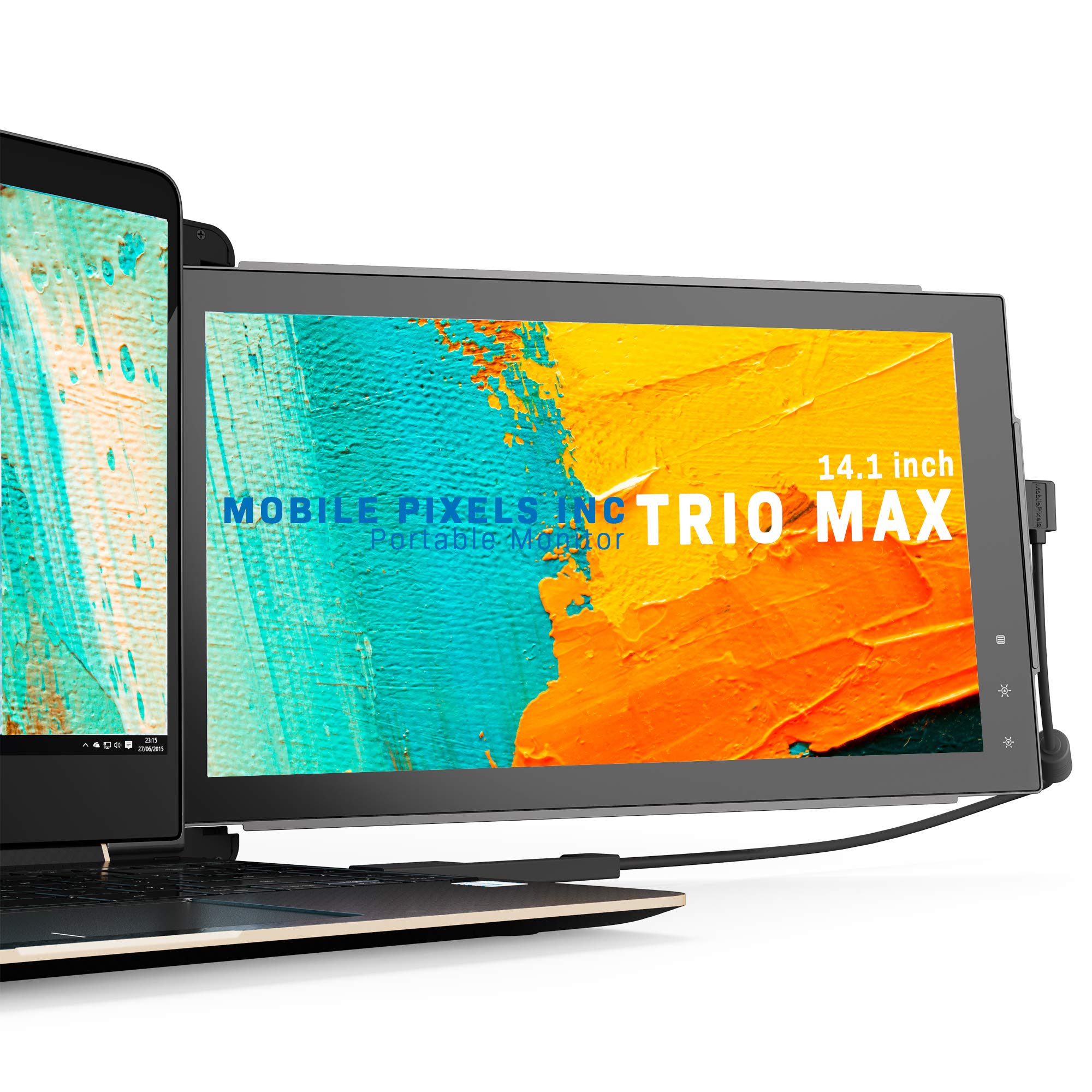
🚀 Triple your screen, double your impact — work smarter, anywhere!
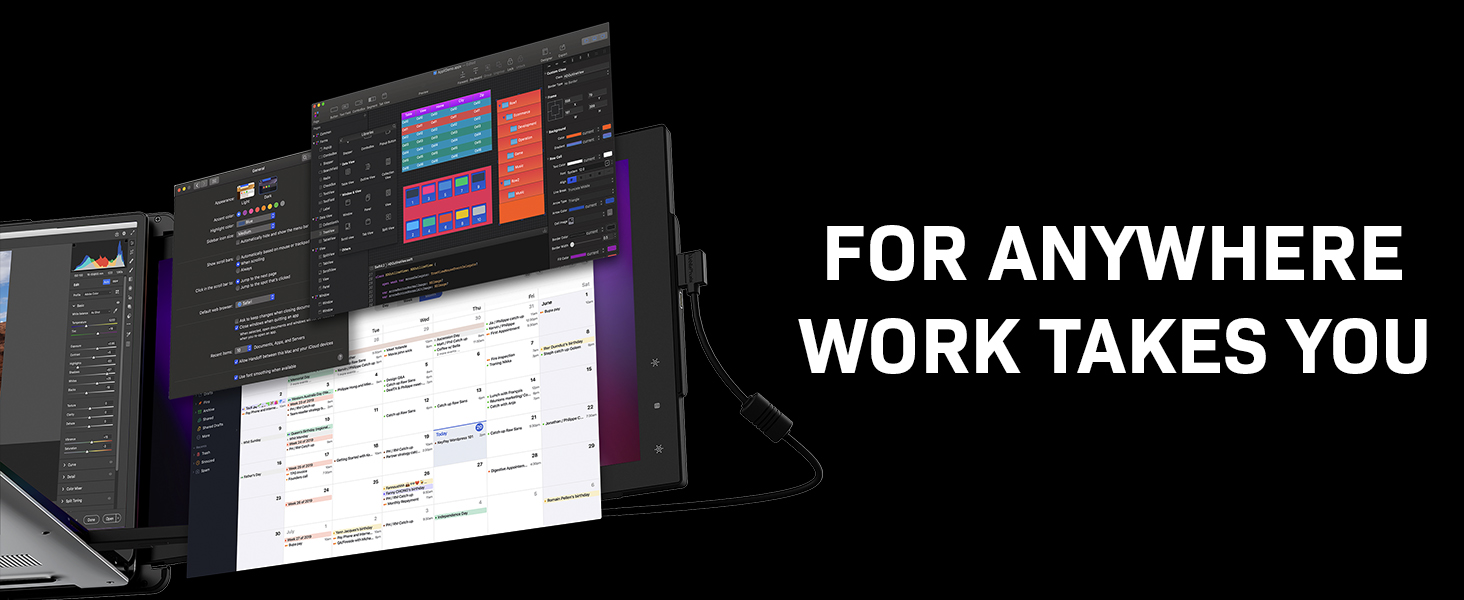
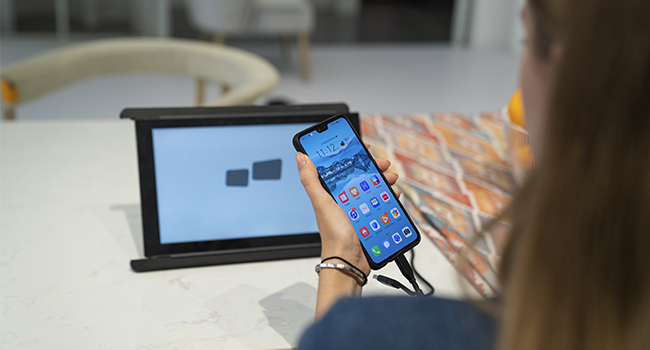
The TRIO Mobile Pixels Max is a 14.1-inch Full HD portable monitor featuring an 80% screen-to-body ratio and IPS panel for vibrant visuals. It supports plug-and-play via USB-C or USB-A with backward charging, compatible across Windows, macOS, Android, Chrome OS, Linux, and Nintendo Switch. With a 270° flexible viewing angle, eye-care modes, and a durable metallic case, it’s designed for professionals seeking a lightweight, multi-monitor setup on the move.

| ASIN | B08C4BXY41 |
| Are Batteries Included | No |
| Best Sellers Rank | #116,410 in Computers ( See Top 100 in Computers ) #2,844 in Computer Monitors |
| Brand | TRIO |
| Color | Trio Max 14.1" Single Monitor (2023) |
| Customer Reviews | 4.1 4.1 out of 5 stars (1,339) |
| Date First Available | 20 July 2020 |
| Item Weight | 934 g |
| Item model number | 101-1004P01 |
| Manufacturer | Mobile Pixels |
| Number of HDMI Ports | 1 |
| Power Source | USB |
| Product Dimensions | 35.56 x 1.27 x 24.13 cm; 934.4 g |
| Resolution | 1920 x 1080 |
| Screen Resolution | 1920x1080 |
| Standing screen display size | 14 Inches |
T**D
As part of my job I often have to give software presentations and demos, and that usually involves lugging a second monitor around with me in the car which is quite frankly a pain. It's a pain but has to be done as it's hard to get a number of people crowded around a single screen when giving a demo in a way that everyone can see what's going on. I wanted a neater and more portable solution and the Trio Max seemed to fit the bill for me for two reasons - it's small and light and offers the facility to add a third screen too, which is something that I can see be useful for presentation. Fitting the screen is pretty easy, thanks to the self-adhesive magnets - it's just a case of taking the backing paper off, lining it up and pressing down. It's a 3M adhesive so seems to be very secure so no chance of it falling off mid-demo thankfully!. The connection cable is included along with some simple instructions so it's not hard to get up and running. Once done it works exactly as a second monitor would, and you can either mirror the main screen or use it as an extended desktop etc. Quality of the screen is very good - as you can probably see from my photo it actually looks better than the laptop it's attached to in my eyes. I like the fact that if it's not needed I can just remove it easily to leave at home too, plus the fact that the magnets allow it to be turned around to operate in a portrait configuration if I need too. I've been impressed with this - not the cheapest option but boy it is better than lugging a separate monitor around in the car with me. It doesn't add too much weight or bulk to the laptop either - the whole thing hardly feels much different to carry when it's in the laptop bag.
T**A
j'étais un peu sceptique en commandant, finalement impeccable, derrière l'écran du Mac ca tient nickel, il faut le faire reposer sur le bureau, finalement c'est le bureau qui le tient les aimants sont plus pour le maintenir debout (même si en soit ils sont puissants, ça ne glisse pas tout seul). les aimants sont larges donc pas de problème pour le positionnement. attention, l'écran a besoin d'être alimenté en usb c en plus du câble de connexion, peut être pas systématiquement mais pour un mac book pro c'est le cas sinon ça utilise la batterie à fond. résolution pas dingue comparée au Mac mais pour afficher un chat ou les mails ça fait le taff
M**L
These products are amazing. Buy the kickstand unfortunately the magnets are good but worth all three screens they are not strong enough. They work perfectly and are a great assistance working from home.
D**N
Excellent product. The screen is super easy to install. Packaging was exciting to open. The screen is good for what it is (it is not the same quality as a standalone huge/ expensive screen, but that was not what I was expecting). I bought it on sale and for that price, it is well worth it. It is flexible as it rotates around the screen and I have no trouble using it for long periods of time as it has an eye saving mode. 3 issues/questions that I have (which I would still recommend despite these issues). 1) The metal plates that are for the back of the laptop are small and it is hard to line them up perfectly. I wish the metal plates were larger to allow for greater flexibility in attaching the magnets. The screen comes with extra plates, but if you place one too low, there is no room for another below it. 2) At times when I attach the screen mid-use, the screen goes blank on both my laptop and this screen and I need to restart 3) I have some concerns with the magnets' impact on my screen (as the magnets and metal plates are not the same size (magnets are rectangle and plates are smaller circles). If the magnets come too close to the screen, I've seen it black out. Hope this helps!
W**O
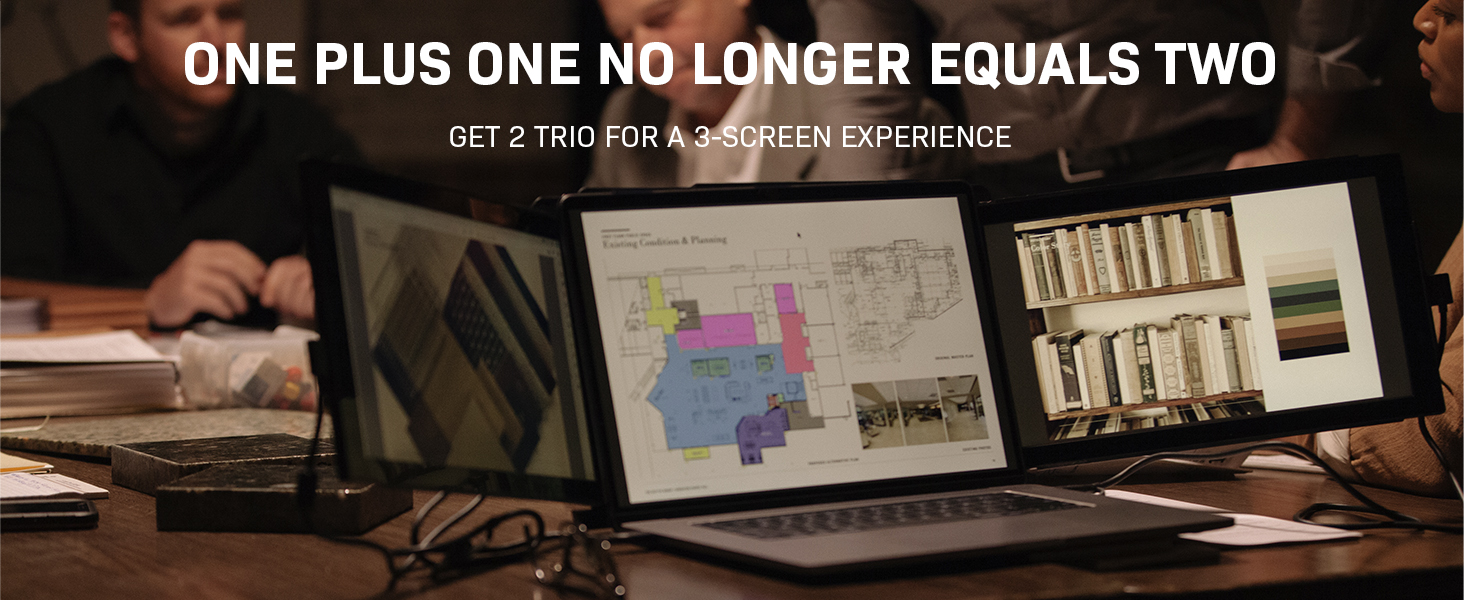
This product is pretty irreplaceable for obvious reasons. I'll divide my review into 3 sections: things to know before buying, pros, and cons. THINGS TO KNOW: - The 14" still works with smaller laptops; just position the magnets toward the top of the laptop so they grab the bottom of the Trio's built in magnets - Your company may not allow you to install the display's software drives (or there could be compatibility issues). However, I can confirm when using USB-C, these monitors were plug and play on PC (no software needed). I did not test this product with a normal USB connection and the software drivers - If your laptop has a USB-C charger, you can most likely use that port to connect the display, then charge your computer through the display. - If your computer only has one USB-C port and you want to use two monitors, you may need a USB-C power hub (I haven't tested this yet since my personal computer has 2 USB-C ports) PROS - Does not require any extra desk support than a laptop would. If you want to use a narrow standing desk, especially an adjustable portable laptop desk, this is by far your best option - Can rest on semi-flat surfaces like couches and beds because its angle matches the angle of your laptop - Can give you 2 screens and pass through charge if you have a USB-C charging port - Plug & play if you use USB-C. Comes online quickly, I didn't see the issue other users mentioned. I assume they are not using the USB-C ports and it was related to the driver software - Solid screen quality - The casing for the monitors helps stabilize the computer. Positioned correctly, even a laptop with a loose hinge should keep from tipping over backwards - Compact when you slide the monitors together for whenever you need to move it around. Not super heavy either. - Very wide. not ultra wide, but still nice - If you detach one from the back of your computer, you can position them vertically standalone. This can be useful if you need to read contracts, do coding, or anything with a lot of line breaks - Doesn't appear to cause my computers to run slower, heat up significantly, or drain battery ultra-fast. YMMV - Using metal stickies on the back of your laptop is a great. It's so easy to swap this onto all my different laptops personal, work, specific clients, etc. Obviously if you get an older laptop without a USB-C, the drivers could be an issue for you. That's the way things are headed though, so good to future-proof yourself - Easy setup - Slide in casing gives the screens some protection when carrying - Impresses your coworkers, clients, friends, and family CONS - The screen quality, while solid, doesn't quite match up to the built-in screens I have, even though the HD resolutions are the same. If you want ultra clear graphics, the screen is good, but not fantastic - If you have zero hinge resistance (your computer screen can bend completely backwards) and you want to tilt the screen back far, you may need to put some kind of kickstand on the back to keep the computer screen from falling flat. That wasn't an issue for me, though. - Software drivers for non-USB C computers could be a dealbreaker for you if your organization disallows them or you encounter a technical issue - The screens have a rotation sensor, which I found annoying since I'd prefer for rotation to be set in the display settings. - The menu and brightness buttons on the side of the display are extremely difficult to see, and they don't stand out because they are touch sensor. use a phone flashlight and/or just feel your way around until you can find them - While the front of the screen is protected by casing, the back is unprotected. Be careful when carrying these around, as I doubt they could survive a fall or impact - Obviously be cautious if the screens are pulled out since your entire computer could be knocked over - The clips do an okay job of lining up two screens at once, but it's not 100% perfect. Not a big deal and it keeps them attached and relatively even, but I do wish they designed the clip tracks a little better - No option to swap out for another display - While I think this is a pro, it does not attach so firmly to your computer that you can grab your computer alone and carry the whole set around. make sure you have a firm grip on both whenever you're carrying them around. - you may need to buy your own USB-C hub if you want, which is a bit annoying. I also don't know whether the charge through display feature would work through a hub That's it. Unless an improved design comes along, just get this. There were far fewer cons than I expected, and there are so many problems with alternatives when you like to travel or even working from home in different rooms. You could work in a room with your kids or significant other instead of holing yourself up at a desk. You could have a 3 screen setup in a studio apartment or college dorm while working on your bed. It's just great.
Trustpilot
5 days ago
1 week ago



