We remain fully operational. Our teams are working around the clock to ensure your deliveries continue safely.

DOWNLOAD THE APP


Customer Services
Copyright © 2025 Desertcart Holdings Limited
DOWNLOAD THE APP

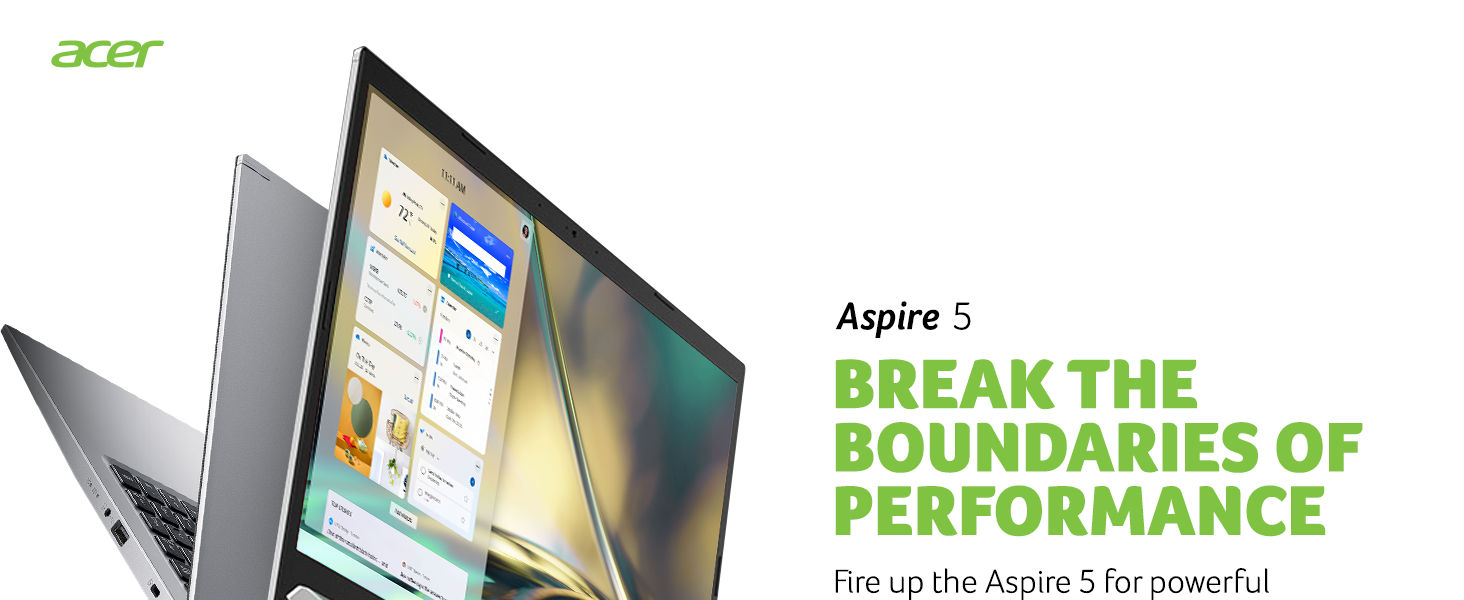
🚀 Elevate your everyday grind with power, clarity, and speed — don’t get left behind!
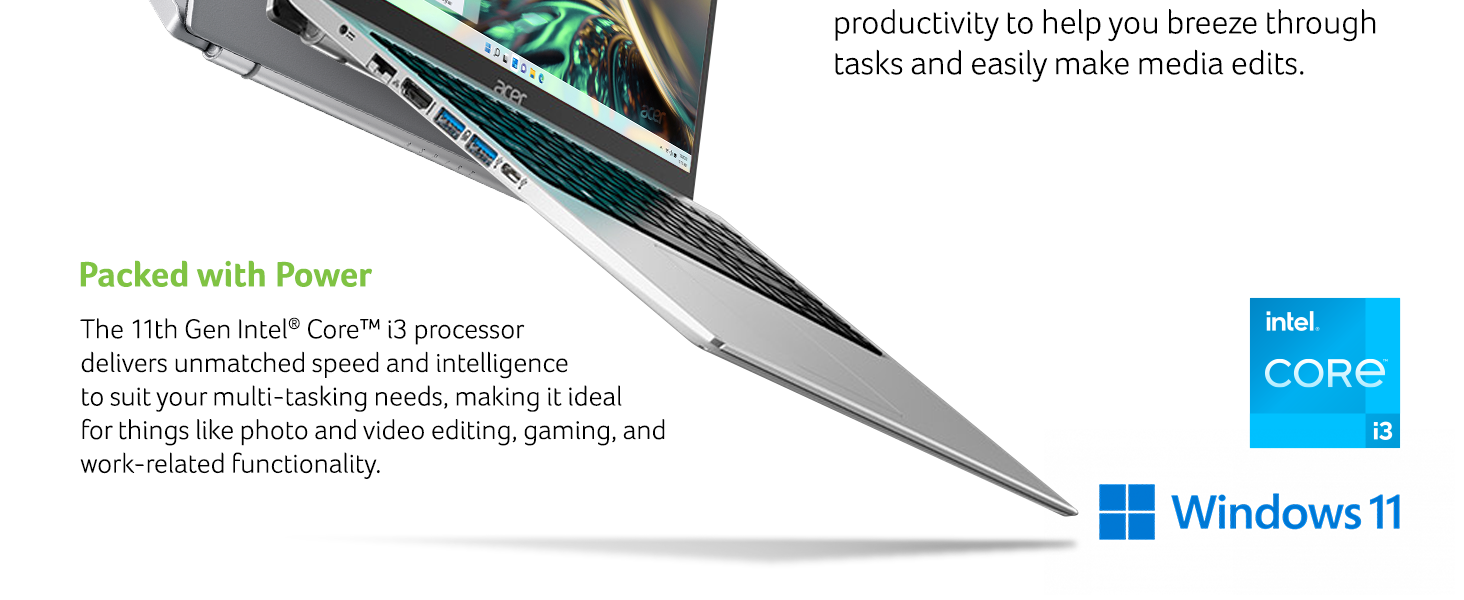
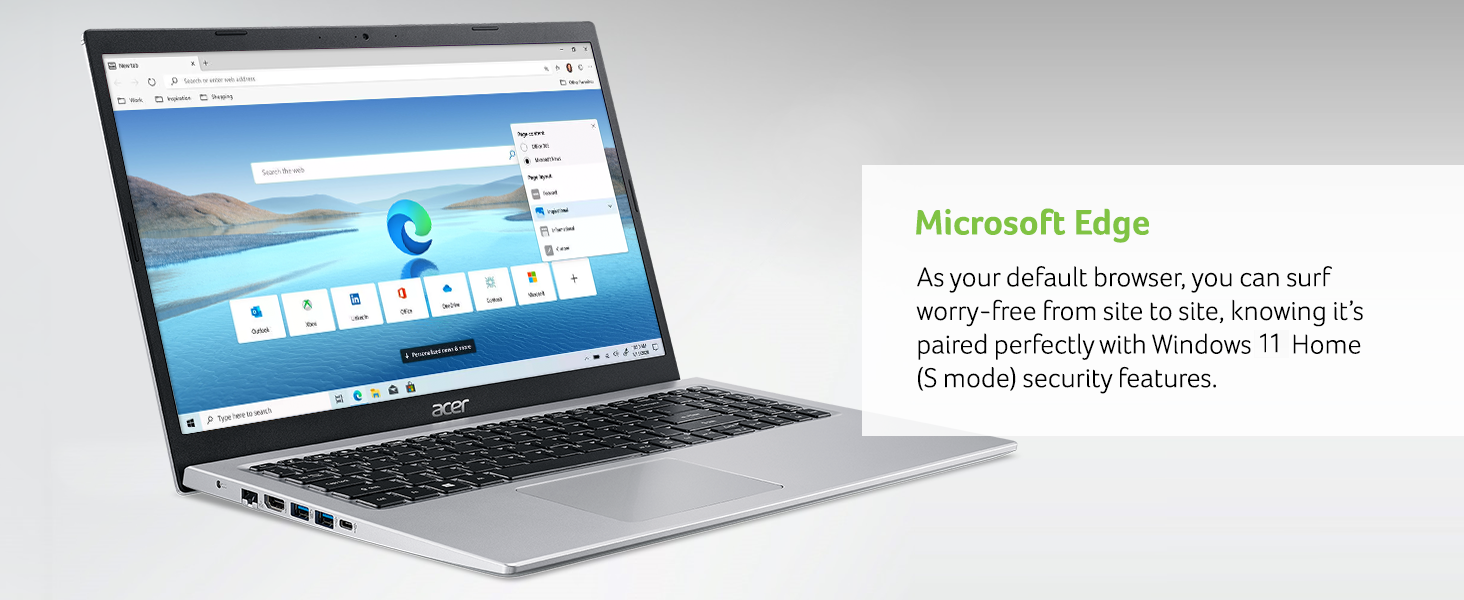
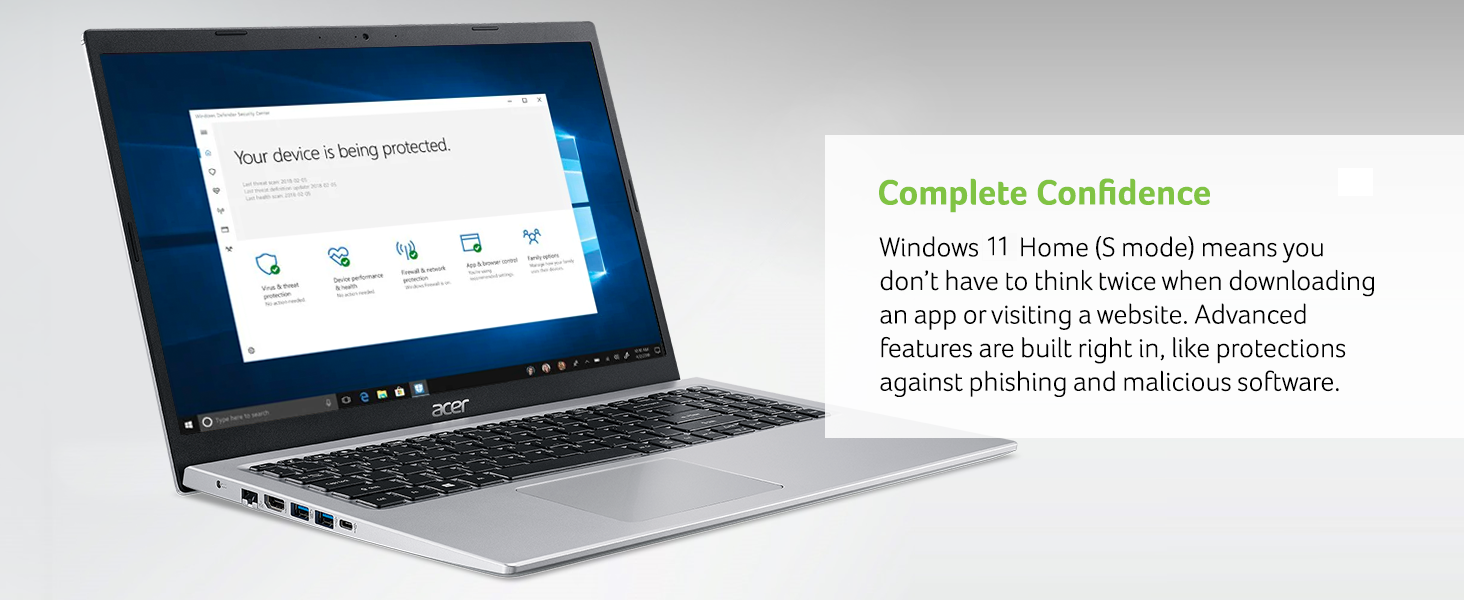
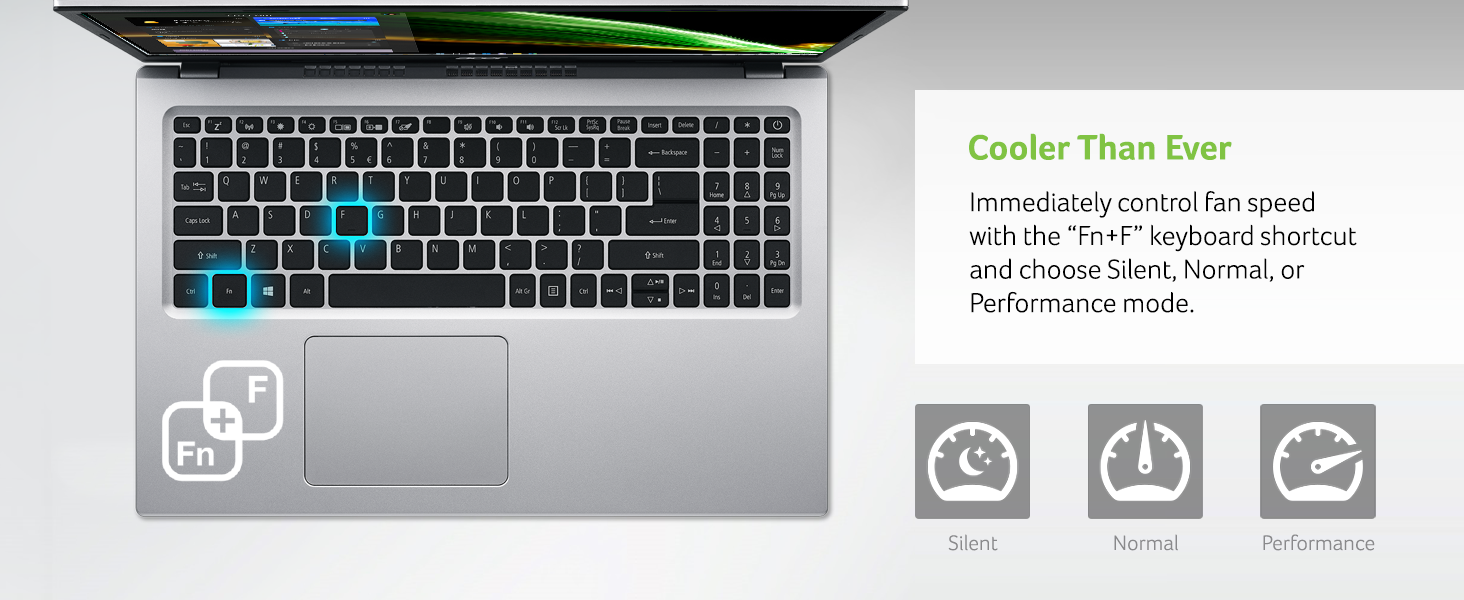
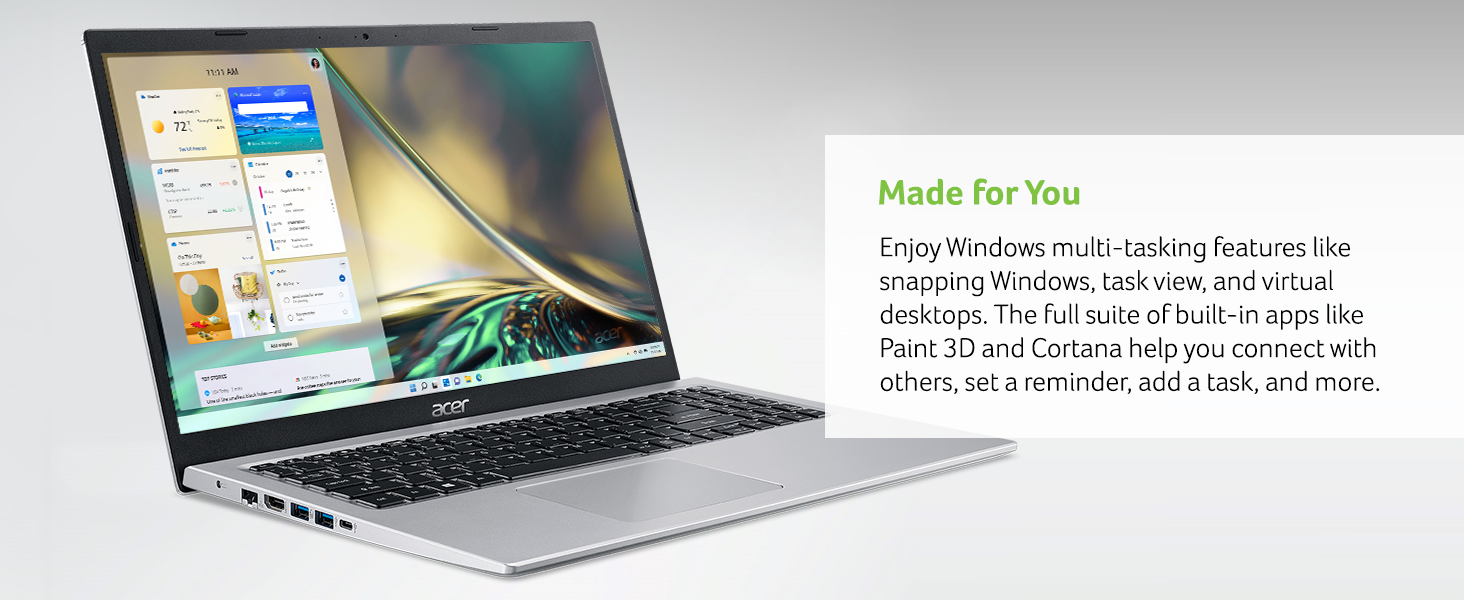
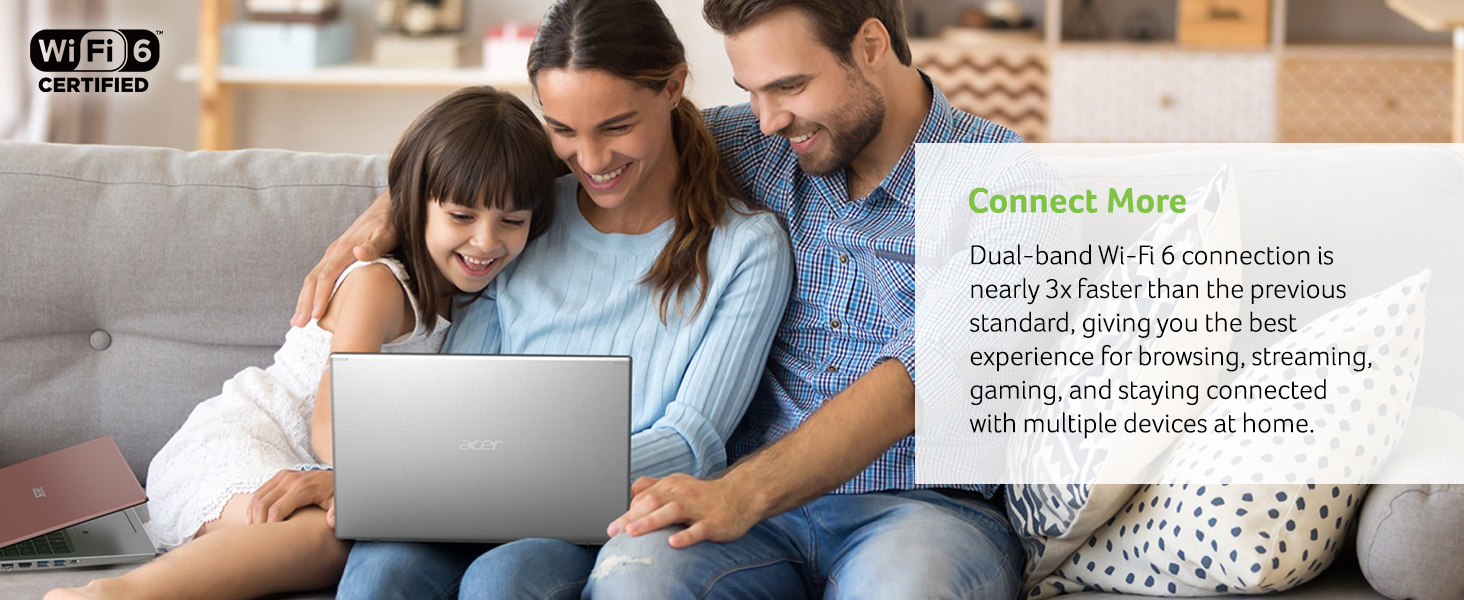
The Acer Aspire 5 A515-56-36UT is a sleek, 15.6-inch Full HD laptop powered by an 11th Gen Intel Core i3 processor with Turbo Boost up to 4.1GHz. It features 4GB DDR4 RAM, a 128GB NVMe SSD, and WiFi 6 for fast connectivity. Designed for professionals and multitaskers, it offers an ergonomic keyboard, narrow bezel display, and Windows 11 Home (S Mode) with enhanced security. Upgrade-friendly with extra RAM and storage slots, it’s a versatile, budget-friendly choice for productivity, light gaming, and streaming.





| ASIN | B08VKT45K4 |
| Average Battery Life (in hours) | 5 Hours |
| Batteries | 1 Lithium Polymer batteries required. (included) |
| Best Sellers Rank | #39,075 in Computers & Accessories ( See Top 100 in Computers & Accessories ) #6,048 in Traditional Laptop Computers |
| Brand | acer |
| Card Description | Integrated |
| Chipset Brand | Intel |
| Color | Silver |
| Computer Memory Type | DDR4 SDRAM |
| Customer Reviews | 4.3 4.3 out of 5 stars (2,965) |
| Date First Available | March 26, 2021 |
| Flash Memory Size | 128 |
| Graphics Card Ram Size | 4 GB |
| Graphics Coprocessor | Intel UHD Graphics |
| Hard Drive | 128 GB SSD |
| Hard Drive Interface | Solid State |
| Hardware Platform | nintendo 3ds |
| Item Dimensions LxWxH | 14.31 x 9.39 x 0.7 inches |
| Item Weight | 4.19 pounds |
| Item model number | A515-56-36UT |
| Max Screen Resolution | 1920x1080 Pixels |
| Memory Speed | 4.1 GHz |
| Number of Processors | 2 |
| Number of USB 2.0 Ports | 1 |
| Number of USB 3.0 Ports | 3 |
| Operating System | Windows 11 S |
| Optical Drive Type | No Optical Drive |
| Power Source | Battery Powered |
| Processor | 4.1 GHz core_i3 |
| Processor Brand | Intel |
| Product Dimensions | 14.31 x 9.39 x 0.7 inches |
| RAM | 4 GB DDR4 |
| Rear Webcam Resolution | 5 MP |
| Screen Resolution | 1920 x 1080 pixels |
| Series | A515-56-36UT |
| Standing screen display size | 15.6 Inches |
| Voltage | 220 Volts |
| Wireless Type | 802.11ax |
S**E
Great little machine at a ridiculously low price!
I figured 4GB of RAM would be sufficient just for day to day use. I was a bit disappointed in 128GB of storage and decided that even though it was a really nice machine for the price, for another $80 and change I could really make it fly.. if you look at my photos you can see that there's built in space for a 2.5 in SATA drive. In addition there is room to add memory and I decided to add another 8GB of RAM along with the SATA drive and 480 GB of storage. Obviously it makes a huge difference. If you look at the pictures I posted you can see that the Acer storage is depleted by half as soon as you turn the machine on. The Steve drive is the one that I installed. Plenty of storage now. The circled in red photo shows the increase in RAM... WHEN LOOKING FOR INSTRUCTIONS be aware that this model came out back in May of this year. There are very few instructional videos or written pieces to explain where this memory goes. The SATA drive is pretty self-explanatory. The only video I could find with this particular machine is provided by a user whose name is. @Silicon Edge you have to go to YouTube and search that name. I don't believe Amazon would allow me to post a link. It's not in English but all you have to do is watch his hands. If you try other videos you might think it's the machine you've bought until you open the back of yours and you look at the back of theirs and realize that it's different. I highly recommend temporarily taking out the screw on your right side of the battery to secure the ribbon clip. Then just readjust the battery and put the screw back in. Watch the video you'll know exactly what I mean. I love this computer. For $460 including the new ram I upgraded this machine. It would have cost me way more than that to buy it with that memory and that storage from scratch. Quick PS. I bought an HP 27 inch monitor here on Amazon and created a nice little setup. $169. You'll love the machine Don't think twice just buy it. If you want some speed, I mean real speed just upgrade the RAM and the storage. I used crucial. That's the brand name for the SATA and the RAM..... READ ABOUT THE UPGRADES..... You don't want to perform Overkill. The processor wasn't made for it. I'm no techie so I did a lot of reading before I did this.
M**R
Fine laptop, suits my needs perfectly but I did add memory to it.
I did quite a bit of research before purchasing this laptop. It seemed like a good computer for the price. Many if the reviews said it was short on memory. It has a SSD drive but it is a bit on the small side, and the built in ram was lacking at only 4 gb. There is an open slot for ram and a space for a second hard drive already there. The company included a pack of hard drive screws with a web site to instruct you on how to install a second drive. Since I had a like new 1tb laptop drive and a 8gb memory card laying around, I waisted no time. The upgrade was simple. Honestly, I have no complaints with this laptop. Some people complained about the screen. I don't know why, it's very clear to me. Battery life is fine, but I am just a home user so I am not on it for hours at a time. The speakers point down from under the computer, but I can still hear what I need to so no big deal to me. I even don't mind the touch pad on this one (hated the one on my last computer). If you are a gamer or someone who needs a super powerful computer for intense graphics, this probably isn't your best choice. But for home use, I am very happy with this laptop and would certainly recommend it.
M**S
Great Performance with Slight Screen Glare
Title: Acer Aspire 5 A515-56-36UT: Great Performance with Slight Screen Glare I recently got my hands on the Acer Aspire 5 A515-56-36UT, and overall, I've been quite satisfied with its performance. Here's my detailed review: The laptop boasts a 15.6" Full HD display, providing sharp and clear visuals that make multimedia content and work tasks enjoyable. Powered by the 11th Gen Intel Core i3-1115G4 processor, it handles everyday tasks with ease, ensuring smooth multitasking and responsive performance. The 4GB DDR4 RAM and 128GB NVMe SSD provide adequate storage space and quick data access. One notable feature is the inclusion of WiFi 6, which guarantees a fast and reliable internet connection. This is especially beneficial for those who heavily rely on online activities like streaming, video conferences, and browsing. However, it's worth mentioning that I did notice some screen glare on the laptop. In well-lit environments, particularly areas with bright overhead lighting or sunlight, there can be a slight reflection on the screen. While it didn't significantly hinder my overall experience, it's something to consider, especially if you frequently work in brightly lit spaces or are sensitive to screen glare. In terms of build quality, the Acer Aspire 5 is sturdy and well-constructed. The keyboard is comfortable to type on, and the trackpad is responsive and accurate. The laptop's slim design and lightweight nature make it easily portable, adding to its convenience. Regarding software, the Acer Aspire 5 comes with Windows 11 Home (S Mode) pre-installed, providing a streamlined and secure user experience. To summarize, the Acer Aspire 5 A515-56-36UT offers great performance and features. While there is a slight issue with screen glare in bright environments, it doesn't overshadow its overall capabilities. If you're in need of a reliable and efficient laptop for your daily tasks, this model is definitely worth considering.
S**Y
works well
S**D
Good quality for the price. Easily more than 8h of battery life doing everyday use on it. I am not disappointed.
G**L
This is the worst screen I've ever used on a laptop. It looks too cheap. After coming from a Macbook Pro I tried this laptop for a little coding and I just can't do it for more than 2 hours. I have to use it with an external monitor
S**I
Though the product is American and service support (for a very minor issue) was not available during warranty, the product was sleek and good. Good ventilation. No overheating even after hours of video watching or on-line lectures.
C**N
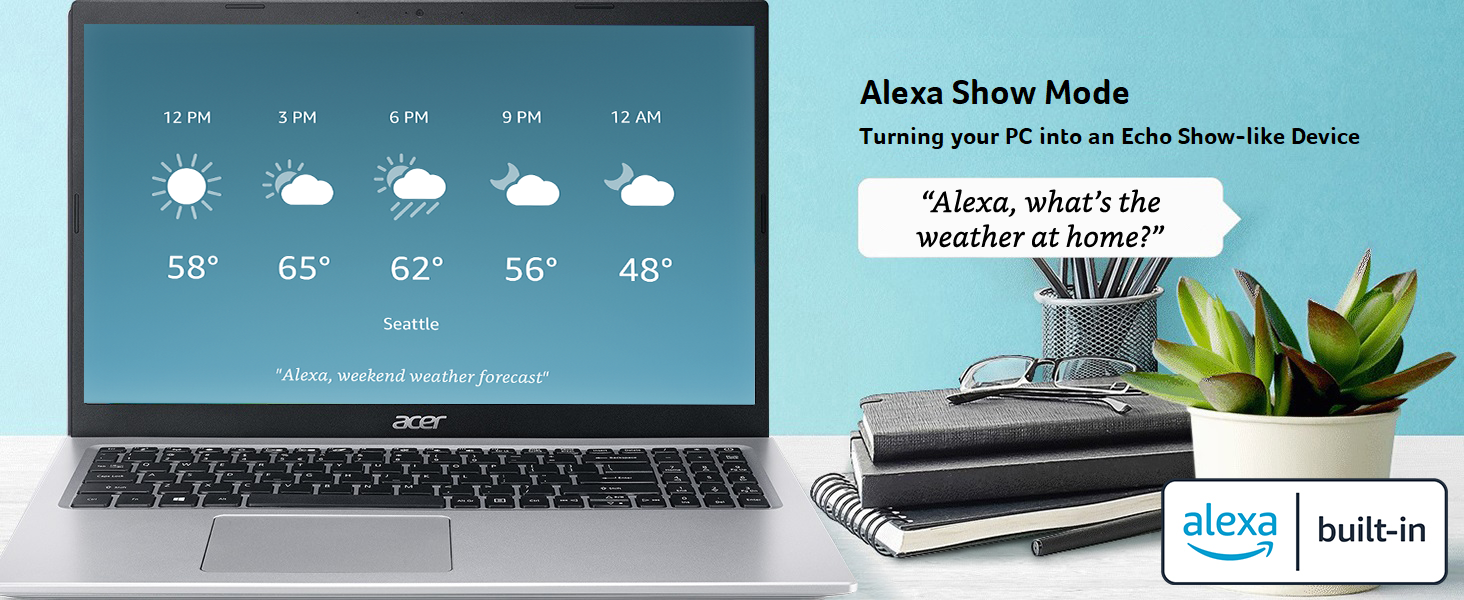
Generalmente Acer no suele resaltar a la hora de nombrar las mejores marcas de Laptop del Mercado, pero con esta Laptop Aspire 5 hicieron un gran y excelente trabajo con este equipo que se ofrece a un precio muy accesible y se nota está diseñada para el futuro. Es perfecta para hacer trabajos ya sea de oficina, de diseño y para las clases en linea, si quieren una Laptop para jugar videojuegos esta no es ninguna opción para eso. Posee un buen tamaño y es bastante ligera, cuenta con teclado numérico pero lamentablemente se trata de un Teclado en Inglés, eso significa que la letra Ñ no está en el teclado y obliga a aprender un poco sobre donde está ubicado cada simbolo en el Teclado si lo usas en Español. Como mencioné la Laptop está pensada a futuro, esta se puede abrir para añadir mas memoria si consideras que los 4GB de RAM que posee no es suficiente y permite además insertar un segundo disco duro por si consideras que los 128 GB que posee por defecto no son suficientes, por cierto la unidad de almacenamiento principal es una unidad NVME lo que garantiza un arranque casi inmediato al encender el equipo. Por cierto dentro de la caja del equipo viene incluido unos tornillos para instalar la segunda unidad de almacenamiento, lamentablemente no vienen instrucciones para hacer la instalaciones y hay que buscarlas en Internet. Con tanto positiverío debería haber algo negativo, la pantalla fue lo que menos cuidaron a la hora de diseñar este equipo, la calidad y nitidez de la imagen no es tan buena y para los que trabajan en diseño se les dificultará un poco trabajar por el poco rango de color que posee la pantalla, no es mala pero si toma tiempo en adaptarse. Por otro lado el equipo dice tener Alexa integrado, pero no encuentro como usarlo y lo único que veo de la función de Alexa es que en la pantalla de bloqueo me avisa si algún paquete de Amazon va a llegar durante el dia. NOTA: Es una mentira que viene con Windows 10 instalado, cuando me llegó venía ya con Windows 11 instalado y nunca me dio la opción de regresar a W10, tuve que descargar la herramienta de instalación que Microsoft ofrece en su sitio web para no perder la licencia, tomen eso en cuenta si no les gusta Windows 11 y no quieren perder tampoco la licencia al instalar W10.
Trustpilot
3 days ago
2 days ago