
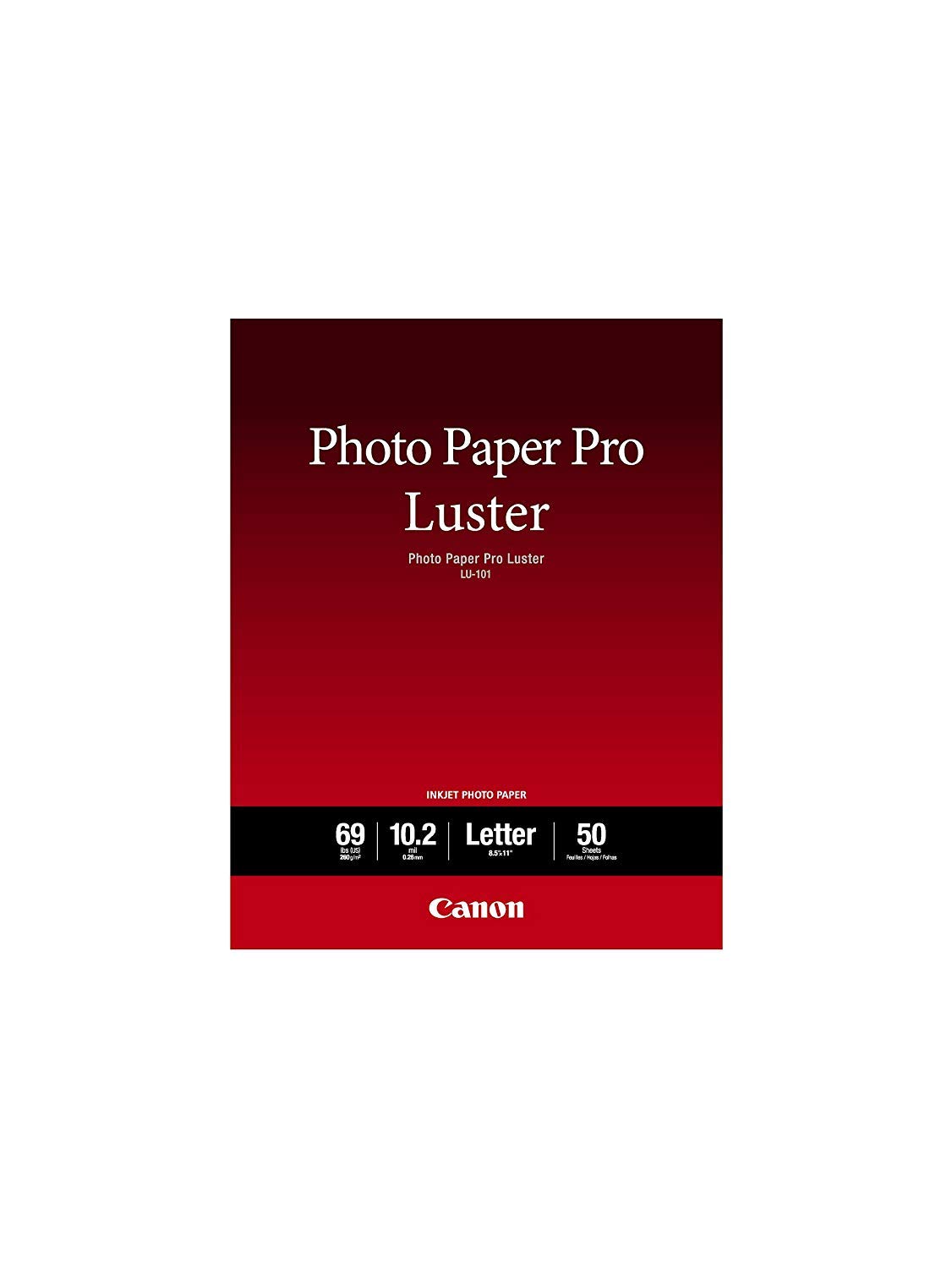
📸 Elevate your prints with Canon’s luster finish—where elegance meets vibrant clarity!
Canon LU-101 LTR Luster Photo Paper offers 50 sheets of premium 8.5x11" semi-gloss paper designed to resist fingerprints and reduce glare. With a brightness of 92 lumens and outstanding color reproduction, it’s perfect for professional portraits, wedding photos, and fine art prints. Highly rated by photographers for delivering sharp, vibrant images without the harshness of full gloss, this paper pairs seamlessly with Canon printers to produce long-lasting, gallery-worthy prints.


| ASIN | B0089INHUU |
| Best Sellers Rank | #8,352 in Office Products ( See Top 100 in Office Products ) #41 in Photo Quality Paper |
| Brand | Canon |
| Brand Name | Canon |
| Brightness | 92 Lumen |
| Color | White |
| Customer Reviews | 4.8 out of 5 stars 3,425 Reviews |
| Global Trade Identification Number | 00013803146851, 00804993385676 |
| Item Dimensions L x W | 11"L x 8.5"W |
| Item Height | 0.6 inches |
| Item Weight | 2 Pounds |
| Manufacturer | Canon Ink |
| Material Features | Semi-gloss finish with fingerprint resistance and reduced glare |
| Paper Finish | Glossy |
| Paper Size | Letter |
| Paper Weight | 69 |
| Sheet Count | 50 |
| Sheet Size | Letter |
| UPC | 804993385676 013803146851 |
| Unit Count | 50 Count |
G**G
Great Quality Paper
No issues with this Canon paper ( i use with a Canon PRO-200 photo printer). Prints are beautiful as long as you don't use low re pics to begin with.
A**E
surprisingly good
I am a photographer and I print a LOT. I don't use these papers for fine art printing but I do use them when printing cast photos (for theatre) or mock magazine covers, or photos for animal shelters. It's just high end art prints that I don't use these canon papers for. That said, even though typically I much prefer the look of semi gloss to gloss, for years I've been using the canon photo paper pro because I didn't care for the look of the semi gloss prints. Recently I purchased a new printer which came with a pack of 8.5x11 luster paper. I tried it on a sample print and loved the result. it's a subtle sheen which makes a really sharp print. Totally different look from my usual canon paper pro, of course but after a few test prints I came to Amazon and bought a pack of fifty sheets. This is great paper and it comes at a great price. I still don't think it's the paper for the fine art prints I sell but I also don't think it is meant to be. Instead, it is a beautiful paper for all but the most demanding printing jobs. And paired with a canon printer is will enjoy a long life. I'm a convert. BOTTOM LINE: Canon engineers have created a beautiful paper for those of us who don't love super glossy printing. There is a really nice sheen that gives photos a good pop. Price can't be beat.
C**6
Great product!
This is a very high quality photo paper. It worked perfectly for my business needs. It was thick with just the right amount of shine. It also dried quickly so I didn't have to worry about smudges.
A**R
Great Inkjet Paper! (plus tips)
I really like this paper for photo printing on my Canon MX870. I had previously been using el cheapo OfficeMax glossy photo paper and prints were okay, but I had to do a lot of finagling with develop settings in Lightroom to get the color/contrast dialed in. With this paper, though, what you see is pretty much what you get. Here's a few tips if you happen to use Adobe Lightroom on a Mac to edit and print your photos (may apply to other editing software, as well) and a Canon Photo printer: • Create a virtual copy of your photo first, then crop for aspect and make other "print-only" adjustments. • Before you enter Soft Proofing, assuming you don't have horribly clipped shadows/highlights, adjust your "Blacks" and "Whites" sliders so that your brightest whites and darkest blacks are 3-5% inside each end of the histogram (blacks at 3-5% and whites at 95-97%) using clipping indicators and the eyedropper tool. • Enter the Develop module and check "Soft Proofing". Since you've already created a virtual copy, choose to use this copy for proofing. • Set your proof settings below the histogram before making any adjustments. Choose your printer profile with the suffix PR3. This lets your printer driver know that you are using your specific printer with Canon Pro Photo paper. • You may be tempted, based on the appearance of the image in Soft Proofing mode, to warm the image up via the white balance controls. I would suggest you print the image as-is first and adjust as needed. The Soft Proofing give the image a cool appearance, at least on my monitor. • Use to page clipping indicator in top right of histogram to view out-of-gammet colors (most likely red and/or green hues) and use the HSL Saturation adjustments to reign them in until the clipping indication on the image is nearly gone. I would also suggest that if you have to desaturate a lot of a specific cold, that you desaturate its compliment by about half (IE: if you have to desaturate Magenta by 50%, desaturate green by 25%, as well). • Enter the Print module and select your size/layout. • Choose "Print Settings" on the bottom left to bring up the settings dialog box. Select your printer and, for presets, select "Default Settings". We'll adjust those next. • Below the page range selection, choose "Color Matching" from the selection and select "Canon Color Matching". Choose "Quality and Media" and select "Photo Paper Plus Semi-Gloss" for media type and "High" for print Quality. I would also suggest that, if you have the option to select a paper source, you use the feeding path that bends the paper the least. On mine it is via the rear tray, as opposed to the lower paper cassette. • Go back up to presets, select "Save Current Settings...", name it something like Canon Semi-Gloss/Luster so you can use it again, and finally save to exit the Print Settings dialog. • In the "Print Job" section along the right, be sure to set the color management profile to "Managed by Printer", since we changed that setting in previous steps. You should be pretty much good to go, save for some test printing adjustments to taste. Cheers!
D**R
Comparison with Canon semi-gloss paper
I have finally purchased a box of the Luster paper and think it is great. I love the Canon Semi Gloss paper Canon Photo Paper Plus Semi-Gloss 13" x 19" (50 Sheets) (SG-201 13X19) and I see little difference between the two. Since I think Semi Gloss is five stars, I give this paper the same rating. I have attached an image to this review. (Reducing its resolution and making it a jpg makes it a little sucky but that's life on Amazon.) The image has a good range of colors and deep blacks with some details that are just visible. I used a handheld magnifier and one of those large desk-mounted magnifiers with built-in light ring to examine the two prints: one on Semi Gloss and the other on Luster, both 13x19 and made on my Pro9500 Mark II. My conclusions after examination are 1) whiteness, texture, and sheen of the two papers are virtually the same but see below, 2) colors are virtually the same, 3) details in highlights are virtually the same, 4) depth of black areas are virtually the same, and 5) discernible details in black areas are virtually the same. When I say "virtually the same" I mean identical to me but I admit that there may be some differences that have escaped me or might be more visible using a different printer. [By the way, the word "Canon" is printed on the back of Semi Gloss but not on Luster. This is fortunate since otherwise I would believe I had made the two prints on the same paper.] I'm not likely to buy much of this paper unless the price falls to match or better the Semi Gloss. Since I can't see any difference, I'll buy the less expensive. Further, I use 4x6 Semi Gloss for proofs and there is no small version of the Luster. This is below: With more careful examination, it seems that the Luster paper might be whiter but that difference is slight and only visible when 1) the two papers abut, 2) you move your head side to side, and 3) you exchange the positions of the papers a few times in case the light isn't perfectly even. As I said, the difference is very slight. Additional test: I increased the number of test subjects to three: 1) Semi Gloss paper using its own ICC profile, 2) Luster paper using the Semi Gloss profile, and 3) Luster paper using the Pro Glossy II profile. The third subject - number 3 - was motivated by the fact that Ilford recommends using Canon's Pro Glossy II profile with their Luster papers and Canon support recommended using the Pro Glossy II profile when I contacted them before ordering the Luster paper. The instructions included with the Luster paper said to use the Semi Gloss profile so I contacted Canon again and they confirmed using the Semi Gloss profile. Be all that as it may ... My conclusions after examination of the three test subjects are 1) whiteness, texture, and sheen of the two papers are virtually the same, 2) colors are virtually the same, 3) details in highlights are virtually the same, 4) depth of black areas are virtually the same, and 5) discernible details in black areas are virtually the same. When I say "virtually the same" I mean identical to me but I admit that there may be some differences that have escaped me or might be more visible using a different printer. So my recommendations are to buy whichever of Canon Luster or Semi Gloss that is least expensive at the time. They are both excellent papers and virtually identical. If you run tests like described above, please mention them in your reviews or attach as comments to this review. Please include printer information - I used a Pro9500 - since different printers might emphasize differences not apparent to me.
A**S
Paper is good but packaging is not secure!!!
I've used this paper before and I like it a lot, good quality, not super expensive for photo paper, and portraits look gorgeous. I've bought this paper before from B&H, which provides extremely secure packaging. Unfortunately, this paper got sent to me in a box with no bubble wrap or cardboard on the edges, so it was a bit banged up when it arrived.
A**R
Print on Textured Side!
Awesome paper! Using a canon pro 310 printer with this paper worked out better than I expected. This was my first time printing a photo and had to jump through some hoops. Don’t forget to use the textured side for printing! The back of the paper is smooth and shouldn’t be printed on. There is no other difference like wording saying this is the back. If you have a Mac and are printing through photoshop, I would skip that part. Make your edits in photoshop and save off. If you have a canon printer, download their ppl software (super easy to do) and print from there. You’ll save alot of time and frustration.
L**R
Professional Results at Home
I use this photo paper regularly for printing professional-quality photos. When I was part of a camera club, this was the paper I trusted for all my competition entries. It dries quickly, doesn’t smear, and produces sharp, vibrant results. Because I often print larger sizes, the 13 x 19 format is ideal for my printer. Printing at a lab can be very expensive, so having this paper at home saves me money while still giving me the professional look I need. The thickness is perfect, and it’s the only paper I rely on.
Trustpilot
2 weeks ago
1 month ago



