📡 Scan farther, work smarter—wireless freedom meets pro-grade precision!
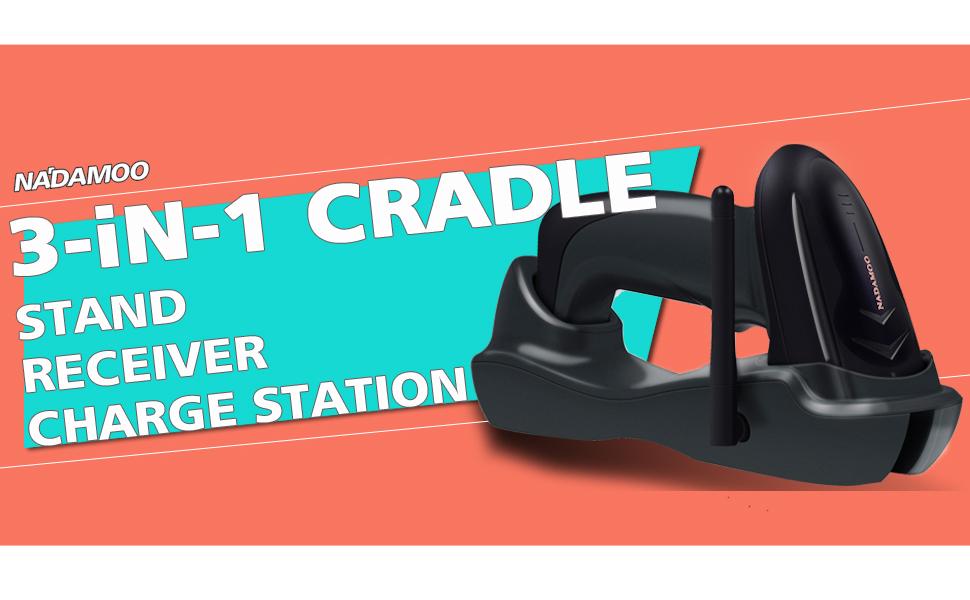
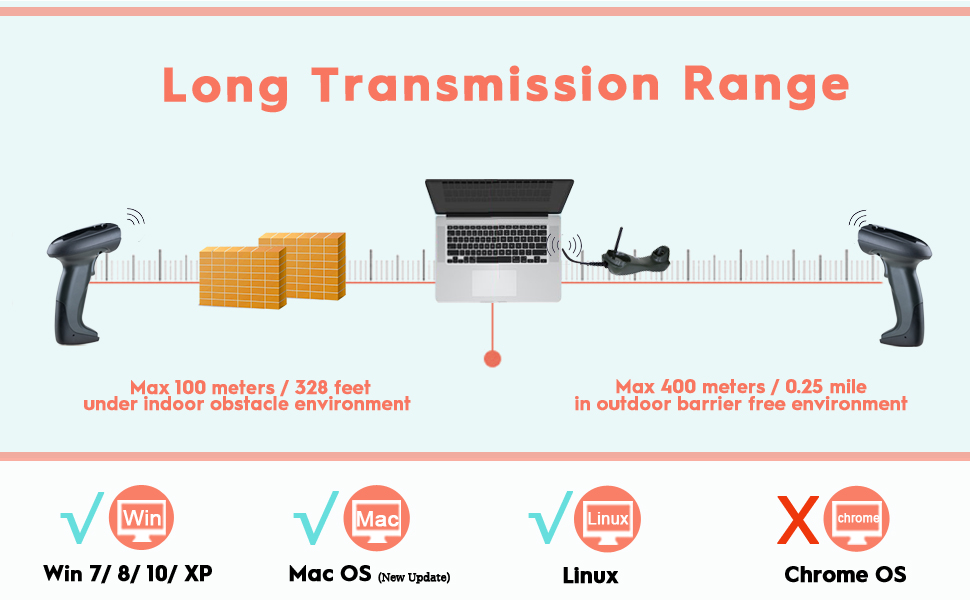
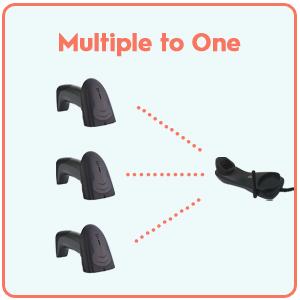
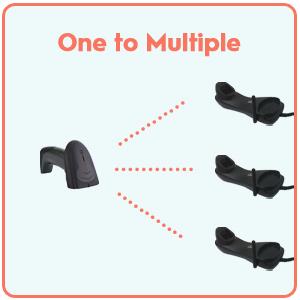
The NADAMOO Wireless Barcode Scanner offers a powerful 328-foot indoor wireless range with plug-and-play USB connectivity, supporting up to 32 scanners per receiver. Featuring a rechargeable lithium battery, it stores up to 10,000 barcodes offline to prevent data loss. Its versatile cradle functions as both a charging base and receiver, making it ideal for retail, supermarket, and warehouse environments seeking efficient, cable-free scanning solutions.







| ASIN | B06Y2X5HVP |
| Batteries | 1 Lithium Metal batteries required. (included) |
| Best Sellers Rank | #95,798 in Office Products ( See Top 100 in Office Products ) #163 in Bar Code Scanners |
| Customer Reviews | 4.2 4.2 out of 5 stars (305) |
| Date First Available | April 6, 2017 |
| Is Discontinued By Manufacturer | No |
| Item Weight | 0.187 ounces |
| Item model number | Y-5300 |
| Manufacturer | NADAMOO |
| Product Dimensions | 8.3 x 3.1 x 3.9 inches |
A**R
Great Product
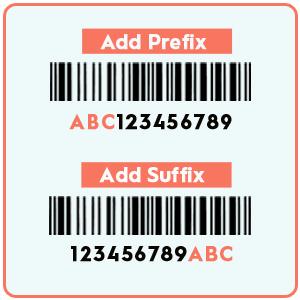
Great product. The range is great and it worked great for our needs. The programming options is fantastic as well. You can really do a lot with the programming if you need to (we have ours going into power save after 2 minutes and we have the scanner add digits automatically). We did have the unit fail after a few months, it was odd. BUT the company sent us out a new one right away, so that was great. Anything can fail with technology so we don't need to knock off any ratings for that. It's a great price for a great product.
J**E
Five Stars. It is working great for me. See set up instructions below
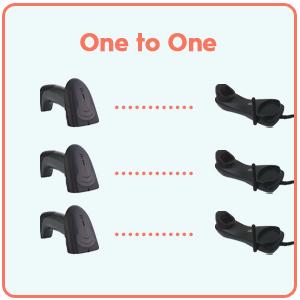
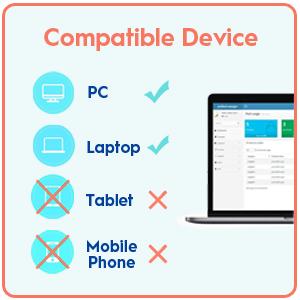
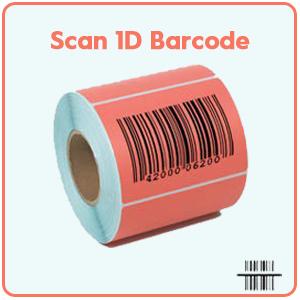
SET UP INSTRUCTIONS FOR ONE ON ONE: IMPORTANT: Plug the USB cord to the cradle and plug USB into the computer so the software can be installed in your computer FIRST! (I used windows 7 and after I plug USB to the computer the software installed automatically in a few seconds” STEP 1. WHILE USB/RECEIVER IS PLUGGED IN Scan these the following 3 barcodes ORDERLY: “enter into setting ” “restore factory settings” and “exit settings” STEP 2. - UNPLUG the USB/receiver (cradle). - Scan the barcode "one to one". The scanner will go into pairing mode and beep continuously. - PLUG the receiver to USB port of computer, if the scanner has one beep, that means the pairing is succeed. STEP 3. Scan barcode "normal mode" to set the scanner to instantly upload barcode. STEP 4. Open excel or word document , scan any code 128 or code39 to see if the barcode can be uploaded. The scanner read code 128 or code 39 by default.
L**7
Works for now
I got this for our office because we had a lot of new bodies, but only one scanner. I got the same brand as the one we all shared in the office for scanning vehicle vins, however this scanner adds an 'I' in the beginning of the vins depending on which document is being scanned. I contacted the seller to see if they could make a code for us to use to get rid of that, because that's what we did with the other scanner and it is able to scan all documents correctly. They emailed me back a code that I already had which deletes the first character. This however also deletes the first character in the vins that don't have the 'I' in front of it. They basically told me that since I bought more than one just program one to get rid of the 'I' and one to not. Which doesn't really work since there are multiple people who use these scanners for different things. I basically took their response as "Oh well, figure it out." So to sum up, the scanner is great and easy to set up. The seller on the other hand, leaves a lot to be desired.
P**O
Good barcode scanner for its price
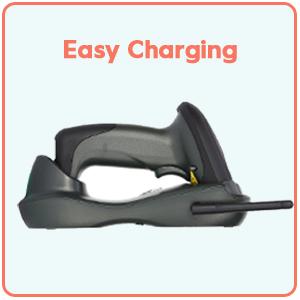
The company bought this to read barcodes on packaging. It functions well. The charging cradle is useful for storage when not in use. The best part is that this is wireless and can be used when up to 20 feet away.
D**M
Awesome Scanner
This scanner is awesome. I use it for recording the finished process as the orders go through production. This is my first one of this model but I will be buying a few more to have one at every station in production. The ability to have multiple scanners go to one base station (computer) is perfect for my application. When I received the scanner it was sending the wrong information for my system so I emailed tech support with my requirements that were needed for my system and they quickly responded with a bar code to program the scanner for my needs. As I stated earlier I will be ordering more of these scanners for our production area and for our front office staff.
L**A
Scanner works great!
This scanner works great straight of the box. No set up was required. The only thing that was annoying was a flashing blue light when the scanner is in the cradle. But don't be discouraged about that, a piece of black electrical tape took care of this issue - so much you can't even see it. We have tried other scanners, and this out performs them all! Buy without doubt!!
B**.
Don't buy... not worth it.
Even after reading the bad reviews, I decided to give it a try as I wouldn't be using it as much as others. Received it after noon and set it up, it worked good for the price. Came back the next morning and the "laser head out of condition." Laser wouldn't show to scan and wouldn't read. The device just sat on the cradle overnight. Wasn't dropped or mishandled. So, spend the money and get a respectable brand.
O**0
Prevented boot-up
I received this scanner and had high hopes that it would help me get more than a few feet from my PC in the warehouse. Plug and play was not an issue and had no trouble with the transmitting distance to the base. I felt like you had to be pretty close to read our legacy barcodes that our wired scanners didn't have issues with. Average 3-4 inches to read. I was still happy with the fact I wasn't tethered to the PC. Restarted the PC one day and the thing would not boot-up until I unplugged the scanner. Tried a different PC, same issue. Returned for refund!
C**N
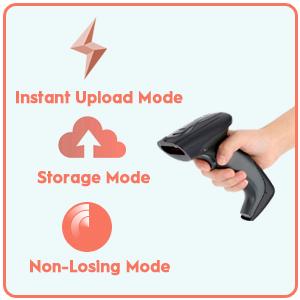
Wow, very impressed so far (will update if anything changes). Used for asset management and is exactly what we needed. Great scanning speed, read everything I've thrown at it so far. I scanned 32 barcodes with the receiver disconnected and when I plugged it back in, all were sent into Excel without issue. I tested and only codes which haven't been successfully transmitted are transferred (i.e. it doesn't just dump the whole memory in "Non-losing" mode). It also stores everything scanned so worst case you can use Storage mode to get everything scanned (bear in mind it stores 10,000 barcodes though so remember to clear now and then if you want to use this). Range is easily as claimed indoors, I walked at least 50m away with other rooms in the way and it scanned fine. Seems tough enough but I don't intend to test this! Update: Having scanned several hundreds of assets over the last few months I can say this is a great scanner. I've dropped it a couple of times and it has continued to work. I do find you need to up the sleep timeout from the default (by scanning the appropriate bar codes in the manual, which NADAMOO provided as a PDF very willingly when I contacted them) and turn down the loudness of the beep! We've also just bought a second one for other staff to use so still very happy with this product. Thanks NADAMOO!
Trustpilot
3 weeks ago
5 days ago