Teach Yourself VISUALLY Excel 2010
Product ID: 4552101
Desertcart purchases this item on your behalf and handles shipping, customs, and support to Philippines.
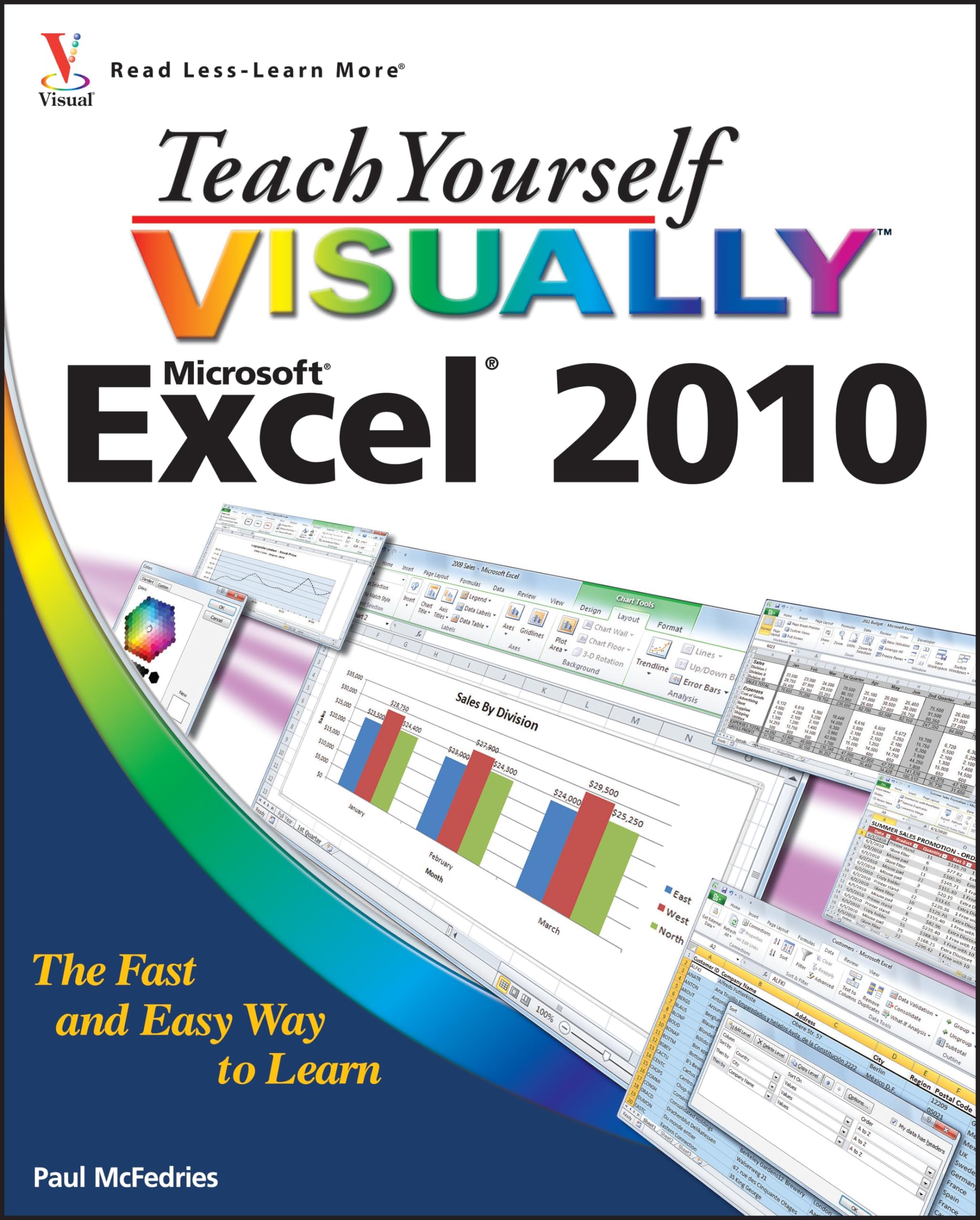
See your way to super spreadsheets with Excel 2010 and this visual guide! If you're always hearing about the cool things that Excel can do, here's your chance to see how to do them! With pages of full-color, step-by-step instructions and crystal-clear screen shots, this guide shows you how to get the most out of Excel 2010. The book covers all the basics as well as Excel 2010's new features and functions, including a new interface and better collaboration tools. Crunch and chart your data over a network, over the Web, or at home-helpful tips on every page will get you there even faster! Provides a clear look at Excel 2010, the newest version of the world's leading spreadsheet application from Microsoft, and part of the new Microsoft Office 2010 suite Demonstrates how to create spreadsheets and charts, filter and sort data, work with PivotTable, and present your data-on a network, on the Web, or on your laptop Explores all features and functions in full-color pages packed with screen shots and other visual graphics that clearly show you how to accomplish tasks Includes practical examples, tips, and advice on how to use all the tools more effectively Get the very most out of Excel 2010 with this easy-to-follow guide!
| Dimensions | 7.4 x 0.7 x 9.1 inches |
| Edition | 1st |
| Isbn 10 | 0470577649 |
| Isbn 13 | 978-0470577646 |
| Item Weight | 1.8 pounds |
| Language | English |
| Print Length | 352 pages |
| Publication Date | April 26, 2010 |
| Publisher | Visual |
User
Teach Yourself Visually Excel 2010
I recommend Teach Yourself Visually Excel 2010.I chose it as the text book for a continuing education class that I taught this fall. I believed that it would be a great resource for students during the class and a beneficial reference book after they had completed the class. Now that the classes are over, I feel that this was a good decision. I will use it for future Excel 2010 classes that I teach.The book covered all the topics needed to gain a broad understanding of Microsoft Excel. While I used it for a Beginning Excel class, it covers not only beginner topics, but some more advanced topics as well.Many students in the class were there to gain the computer skills they needed to improve their career opportunities. This book is comprehensives and will help achieve that goal.While I and the students in my class used Teach Yourself Visually Excel 2010 as the course text book, it is also a good choice if a person can't attend a course or prefers not to. It is clearly written with step-by-step instructions and illustrations showing how to perform common and some not-so-common tasks. The only thing needed in addition to this book to become a successful user of Microsoft Excel is to practice the procedures illustrated in the book.I highly recommend Teach Yourself Visually Excel 2010 for anyone wanting to learn how to use Excel 2010. I also recommend it for experienced users who want to have a handy and clear reference book for when they need to review procedures for operations that they haven't used before or don't use often.
User
Terrific book
I'm a big fan of the "Teach yourself Visually" series, which are a big improvement on the early editions. I would always get annoyed when a book would say, click here, then click there, then do this, then do that, etc. but the screen was not showing what the author was describing, so I would have to guess and then get frustrated because things were not working the way the author described. The Teach your self series leaves you in no doubt as to what you are supposed to do, with numbers, letters colors and pictures giving you very clear instructions on what to do.The Excel book is an excellent guide for managing accounts,using concatenation for setting up tables for databases, using Excel formulas, graphics, charts, etc.This book is very easy to use and a very handy tool to have beside you when using the Excel program.
User
Teach Yourself VISUALLY Excel 2010
love, Love, LOVE this series of books!!! I have a set that I keep at home and one that I keep at work. My children, friends and colleagues borrow them all the time. If you are an individual that prefers visual versus audio learning, these books are the perfect tools. You'll be an advanced user before you know it!
User
From a visual learner
I am a visual learner, so this was the best book for me. I am not a heavy Excel user so there were chapters I did no get into. However, I definitely learned some tricks that make Excel easier to use.
User
Effective Visual Learning System for Excel Novices and Intermediate Learners
Though my knowledge of Excel is beyond the intermediate level, I was looking for an easy and approachable learning system for the novices in the office who were constantly asking me for Excel help. I don't mind being asked, but they were often reluctant to interrupt me, so I thought it best to provide them with a desk reference.Whether you start from the beginning of the book, one lesson at a time, or dive into a specific topic, the novice learner will find what he's looking for. The page layout, with full color graphics, tips and hints and many examples, will allow a learner to quickly grasp a concept and put it into use immediately. The only problem with the book is that I bought only one copy, so it is constantly being shuffled from one desk to another... I guess I'll have to break down a buy a few more !
User
Easy to understand
I sat down one Saturday and read through this book with my computer at hand. It was easy to understand and I loved the visual guides along with the written directions. I haven't actually "built" a complete spreadsheet with "extras" in it, but I used one of the templates and was able to make my way around and it turned out very nice looking. I look forward to using this program more and having this book handy as a reference guide.
User
Superficial guidance
I had great experience with the Excel 2007 version of this book. I used it to get up to speed on Pivot Tables very quickly. It provided me with everything I needed to know. The Pivot Table section of the 2010 edition is half the length of the earlier edition. If you don't already know how to use Pivot Tables, I doubt you could use the instructions productively. When I need pointers, I find I am better off reverting to my older 2007 edition.
User
A splendid reference
This reference is used in conjunction with Microsoft Excel 2010 Step by Step. It has large fonts and large color diagrams with references numbered and pointed to; thus I have little problem if any locating anything the author is referencing. If the printer would develop books following the same course and more comprehensive; I would also include them in my library. Thus; I own this book and Microsoft Excel 2010 Step by Step and Microsoft Inside Out ( the two later have black and white illustrations and exercises for each chapter and the publisher provides PDF format at no charge which enables printing of various portions). I feel that all three books are invaluable for my library.
User
I can very highly recommend this series of learning books.
The Teach Yourself Visually series is perfect for learning computers for the novice user and those that know a little bit too!If I need to learn anything to do with my computer then I will always choose this series of books before any others!I can very highly recommend this series of learning books.Take careDave
User
Great to learn Excel
I liked the step by step method and the visuals to learn how to use Excel. I have used Excel for years for very basic spreadsheets but needed to learn more and the basic info plus tips really added to my knowledge. By about page four, I learned a very basic step that’s frustrated me for years. That was almost worth the price alone!
User
Very helpful
I love these Visually books!
User
Step by step
Very well explained and easy to read with all the pictures.
User
I love it
Good
Trustpilot
2 weeks ago
5 days ago