🖨️ Print Anywhere, Impress Everywhere — Your Mobile Office Just Got Smarter!
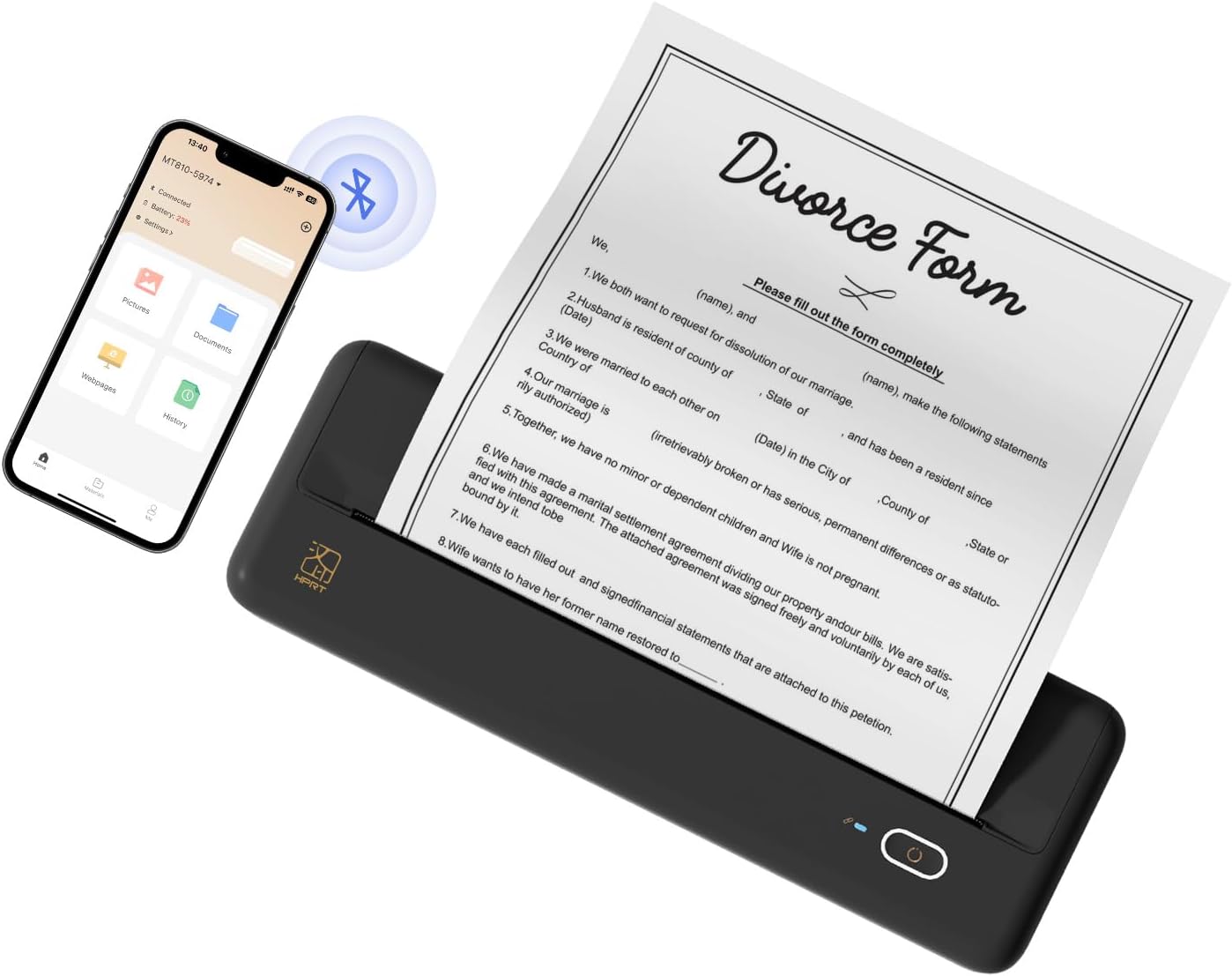
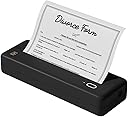
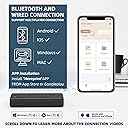
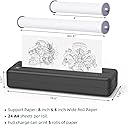
The HPRT MT810 is a compact, wireless thermal printer designed for professionals on the move. Featuring Bluetooth 5.0 and USB-C connectivity, it supports seamless printing from iOS, Android, and laptops. Its inkless thermal technology delivers sharp black-and-white prints on continuous A4 paper rolls, while a rugged metal build ensures durability. Weighing just over 2 pounds, it’s the perfect travel companion for mobile offices, schools, and remote work setups.


| Controller Type | iOS |
| Maximum Media Size | A4 |
| Included Components | 1 x Portable Printer, 1 x USB-C Cable, 1 x User Manual, Paper |
| Print media | Paper (plain) |
| Scanner Type | Portable |
| Max Input Sheet Capacity | 1 |
| Compatible Devices | Laptops, Smartphones, Tablets |
| Maximum Color Print Resolution | 203 |
| Sheet Size | 8.3'' wide continuous paper Inches |
| Maximum Black and White Print Resolution | 203 dpi |
| Dual-sided printing | No |
| Max copy resolution black-white | 203 DPI |
| Duplex | Manual |
| Hardware Interface | USB Type C |
| Ink Color | Black |
| Additional Printer functions | Print Only |
| Control Method | App |
| Total USB Ports | 1 |
| Model Series | MT810 |
| Printer Ink Type | No Ink |
| Supported Media Sizes | A4 |
| Manufacturer | HPRT |
| Item Weight | 2.03 pounds |
| Product Dimensions | 3.74 x 11.02 x 1.97 inches |
| Item model number | HPRT-MT810 |
| Batteries | 1 Lithium Ion batteries required. (included) |
| Number of Items | 1 |
| Size | 8.5''x11'' US Letter |
| Manufacturer Part Number | HPRT |
J**
Handy Printer to Have for Smaller Print Jobs
Good quality for the price. Does not print pictures well, but is fine for print documents. Set up was pretty easy. The only issue I had is that after you go to the companies website to download the printer software, you have to make sure to install it after download. Otherwise you will see it in the list of printers to add to your selection, but it will say device not found. I went back and clicked on the download and then my laptop sort of crashed! Everything went black. So that was scary. I just did a restart on my laptop then installed the software and then was able to use it to print. One other item is after a page prints it has teeth on the edge to tear the paper. They are so small and the paper is pretty thick. I did not trust myself to tear the paper because I know I will jam the paper roll! I use scissors to cut each page after it prints.
G**T
Security issue?
So I got it all set up and downloaded the “Here Print” app as told to. I printed out something I would not want China to have. The app originated in China I believe, and this printer made in China. I deleted the documents, only to fully find them STILL in “history”! So they cannot truly be deleted from the app!? Word to the wise/ do NOT use this printer to print anything you would not want the Chinese government to have! (If there’s a work around for this, please let us all know!)
B**Y
Wow! Exceeded my expectations.
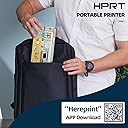
Wow! Exceeded my expectations. I was looking mainly for a portable printer for my service truck. I wanted maximum portability and compactness.Most jobs are now invoiced by email but a small percentage still want (or need) a physical handbill. It’s a bummer. I keep digital notes and add line items to the invoice as I’m working and, when I finish, it’s a simple matter to copy & paste my notes into the job description and double check the line items. Well, when they need a handbill I still have to do all that for our records. I just have to write out a handbill on a carbon copy invoice ALSO with my horrible handwriting and much more limited space for detailed notes and line item details.I was aware that thermal printing doesn’t produce quite as clean of an image as most decent quality inkjet and laser printers. Also, there’s not even real grayscale. A grayscale effect is accomplished with about 3 shades of darkness and dpi concentration. I’m not trying to print photos or detailed graphics, though. Text and basic line graphics are the main concern and I was willing to make that trade for what you get with this thermal printer.It’s VERY compact. The built-in battery can handle plenty of printing which means it should be more than capable of printing 3 pages after non-use for 4 weeks straight (my more likely use case). It stores it’s own paper on a roll inside the printer! 24 pages worth! Yes, you tear the sheet off once it prints. Yes, that leaves tiny tear serrations at the top & bottom of each page. If you want super business professional looking pages this may not be the printer for you but they’re so tiny you don’t really even notice it unless you focus on them. I guarantee not one customer will care considering that I printed up a nice looking, detailed invoice in my work van. Also, it’s a HUGE extra bonus that I don’t have to worry a bit about ink cartridges and thermal printing technology tends to be VERY reliable for MANY prints over a long period of time.It arrived with a 92% charge. The small quick guide booklet had a QR code for the iPhone app. It worked, downloaded the app, opened the printer & loaded the paper into the feeding mechanism, turned it on, connected to it in about 10 seconds, updated it to the latest firmware in about 30 seconds, took about 60 seconds to find the first thing I wanted to print and printed it using 2 different print settings as a test.First I printed dark (3rd of 3 options) under the text setting. Then I printed moderate darkness under the “picture” setting. The dark & text setting does give you very dark, heavy lines that might be helpful for some with VERY poor vision but the moderate darkness & “picture” setting really looked better to me and, generally, more easily legible. The small logo in the top corner also came out more visible that way.I was pleasantly surprised. As I mentioned, you will get more precise lines with most inkjet or laser printers but this actually looks quite good. Super legible and, although maybe not perfectly precise, the text has a sort of sharpness to it that looks good in its own way. It prints VERY VERY quickly. Even faster than the laser printers I’m used to. And boy, I didn’t really comprehend just how compact this thing is… and it holds 24 sheets worth of paper in it to boot!The paper is RELATIVELY expensive (compared to regular paper) but I consider it a reasonable trade off for me. Currently, after tax, it should cost me $0.33 a page. For that I get 24 sheets worth of paper compactly stored inside the printer where it won’t get bent or damaged. I never have to worry about running out of ink. I have the ability to print very LONG sheets or banners. Don’t currently know what I would use that for but it is cool. Also, I was concerned that with the paper coming off a roll it would be all rolled up once printed & torn off. It has the slightest roll to the edges but it lays flat just fine when I lay the sheet down. No problem at all.I’m excited to use this thing in the field and, of course, I’ll play with it for some personal print jobs as well. If it holds up for at least 2-3 years it will be worth every single penny.
G**R
Printer review
First, let’s talk about the pros, this device is sturdy, and compact, the driver downloads was seamless Now for the cons. The printer itself is really and compact fax machine. This is what your copies will look like. If you are old enough to remember fax machine copies this is what each copy will be like. If you are interested in more traditional copies…. Do not purchase
Z**A
Easy to set up
I like if for what I need. I’m just not crazy about the paper I have to use and how it rolls out instead of coming out flat. I’ll upload pictures. The quality is still good.
S**
Easy to set up and does the job
The set up was really fast. I have an Android phone and will print from my phone so I downloaded the app. I was confused about the connection at first because I thought the printer was on (it was plugged in to charge so the light showed green), but turns out that indicates it was charging but it wasn't even powered on yet! Silly me. Once it was properly powered on the connection light on the printer next to the power button should also be on, that way your phone can find the printer via Bluetooth and connect. Once connected it said paper wasn't loaded. Again, my mistake as I didn't unroll the paper that was already inside the printer (I didn't expect there to be paper inside already so what a pleasant surprise!). Once I unrolled it and pulled out a bit so it was sticking out of the paper slot and properly closed the paper feed I tried to print a shipping label. It was perfect! You have to rip off the page yourself but no biggie. The print was clear and fast. Next I tried to print a picture. It was noisy while printing the picture vs the label and obviously the quality wasn't great (I expected this), but I was impressed how fast it was. Again, you have to know that this printer is meant for casual prints - don't try to print fancy documents or whatever. This is for last minute shipping label, vacation itinerary, shopping list kind of prints. Know what you're getting. I just got this today so can't speak on the longevity of the printer, but it exceeded my expectations so far. I'm just happy I don't have to buy ink anymore!
S**R
Nice Printer
It was very easy to set up and use. Be sure to charge it before trying to hook it to your phone.
L**S
It Works!!!!
I was skeptical about a mobile printer, but setup was easy, connected to my phone and IPad, working great. The print is clear, prints quickly and I can take it with me, it will pack light, I love it!
Trustpilot
3 days ago
1 month ago