



🔥 Stay cozy, save smart — control your comfort with Hive! 🏠
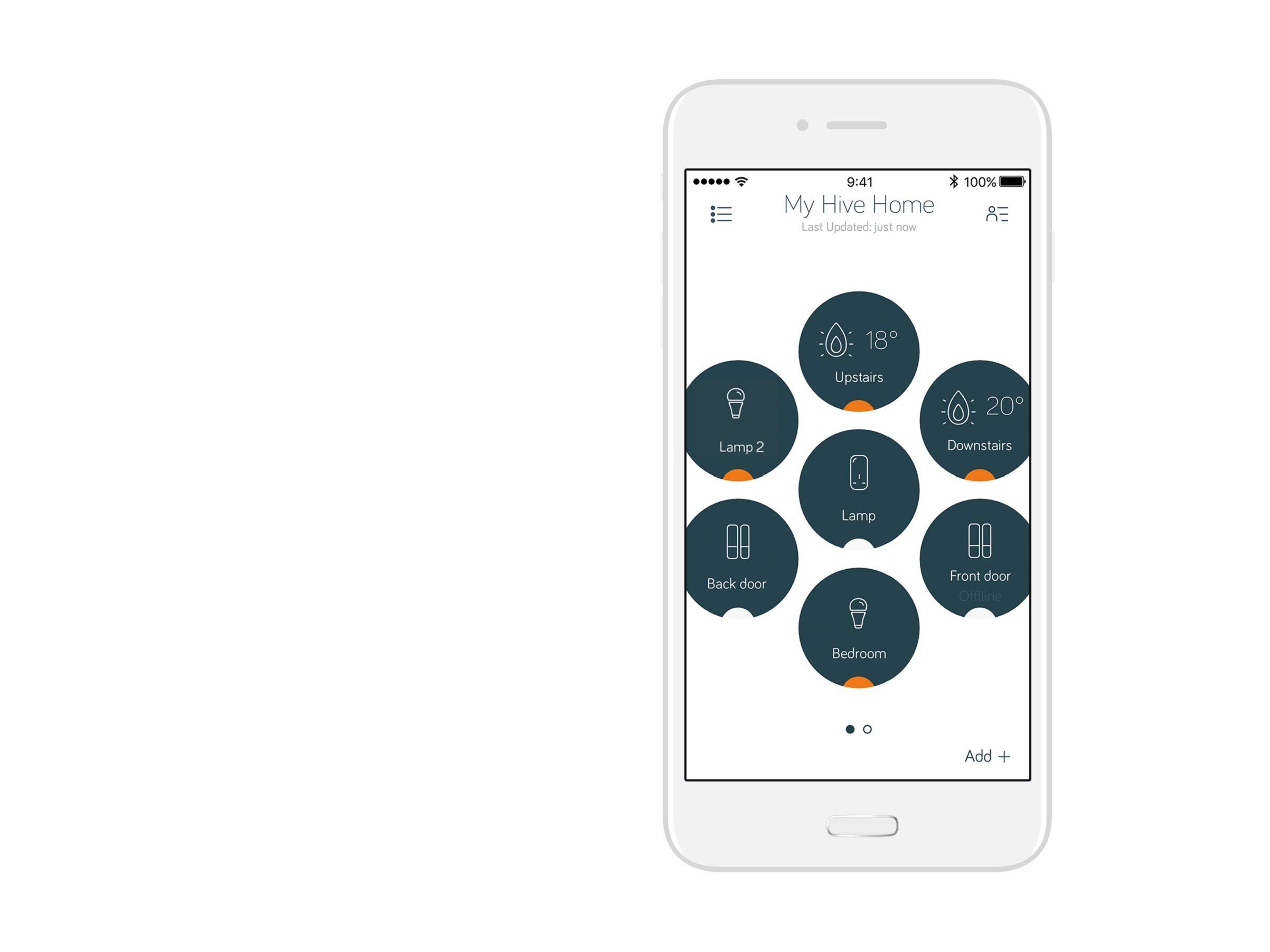
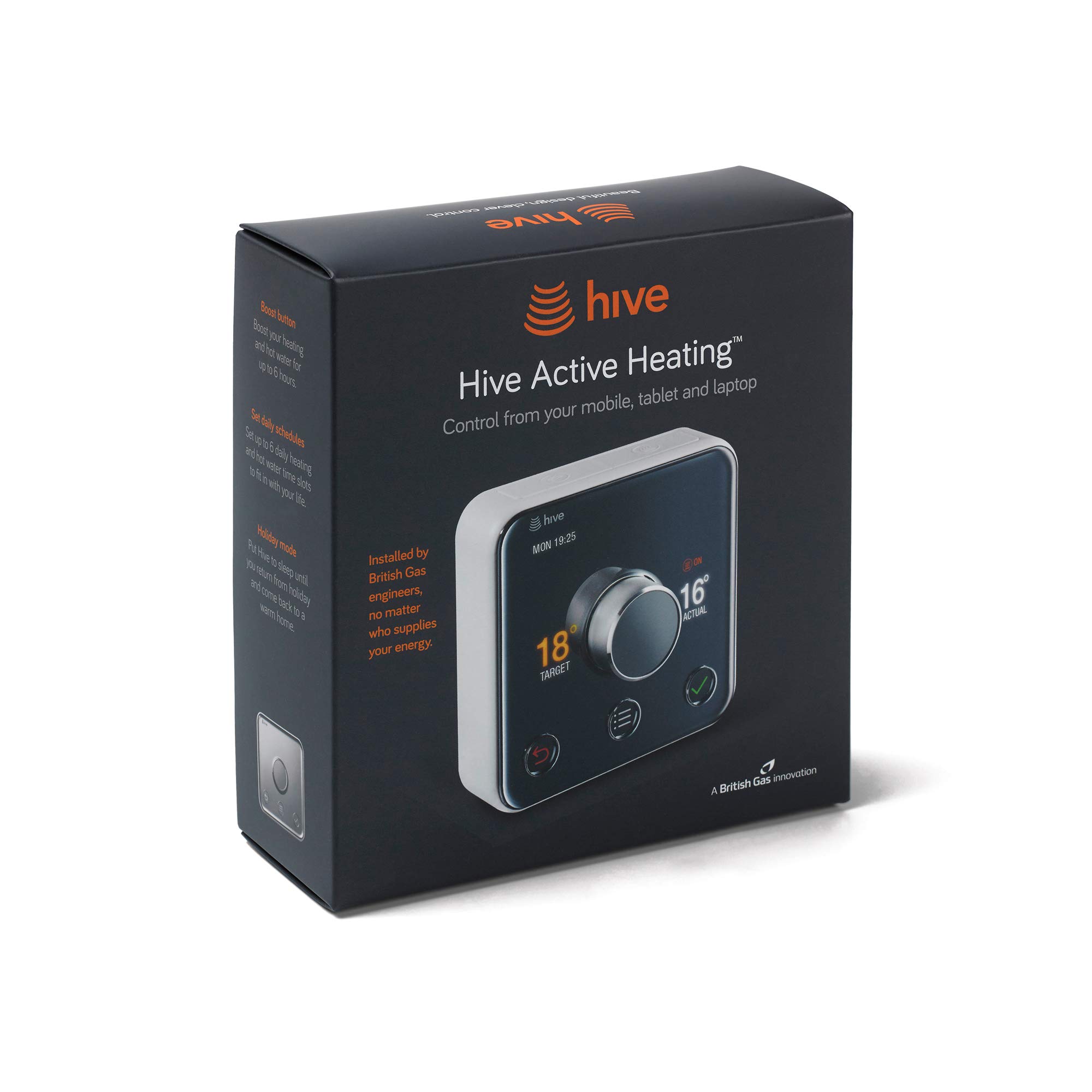
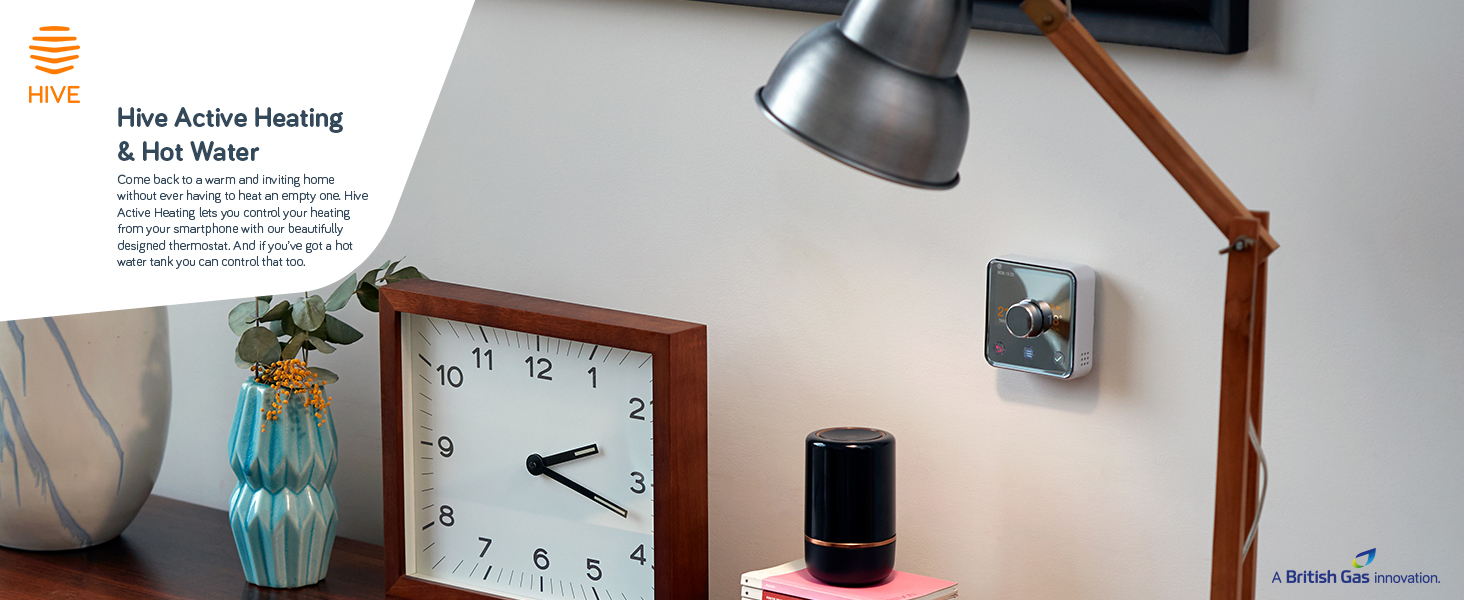
The Hive Active Heating and Hot Water Thermostat offers intuitive, remote control of your heating system with up to 6 daily scheduling slots, heating boost for up to 6 hours, and automatic frost protection. Compatible with most gas, LPG, oil, and electric boilers with separate hot water tanks, it integrates seamlessly with Amazon Alexa and includes a smart home hub for effortless connectivity. Designed for easy DIY setup without professional installation, Hive helps you save energy and money while ensuring your home is always perfectly heated.


| Manufacturer | Hive |
| Part Number | HAH2KitHeat&HWAmz-01 |
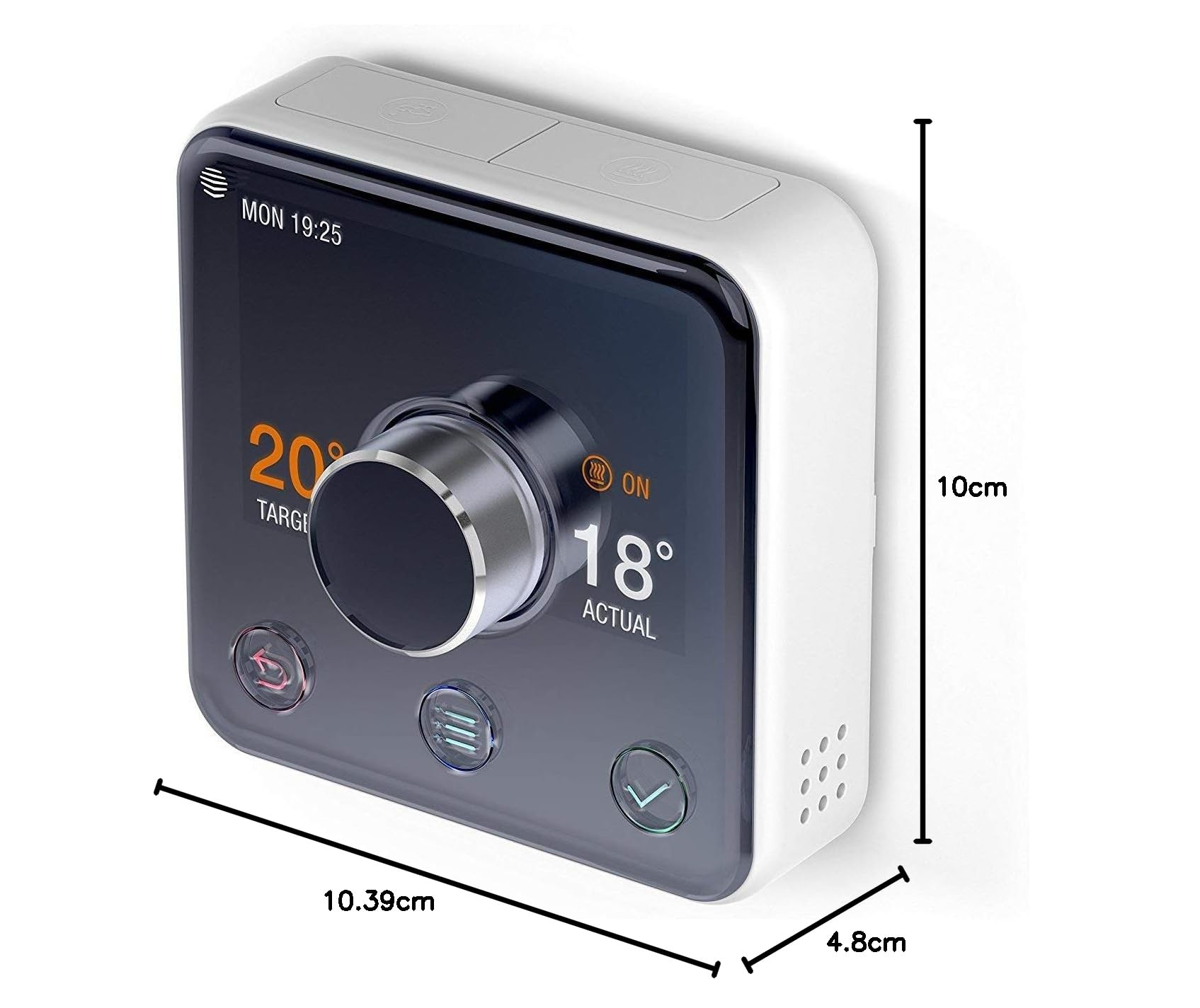
| Product Dimensions | 10.4 x 4.8 x 10 cm; 212 g |
| Batteries | 4 AA batteries required. (included) |
| Item model number | HAH2KitHeat&HWAmz-01 |
| Size | No Installation |
| Colour | White |
| Style | Heating and Hot Water |
| Shape | Round |
| Power Source | Battery Powered |
| Voltage | 230 Volts |
| Item Package Quantity | 1 |
| Display style | LCD |
| Plug profile | Wall Mount |
| Certification | energy |
| Special Features | Automatic,Easy To Use |
| Usage | Boiler |
| Included Components | hive |
| Batteries included? | Yes |
| Batteries Required? | Yes |
| Battery Cell Type | Alkaline |
| Item Weight | 212 g |
A**M
Smart heating with no fuss
I thought long and hard before settling on the Hive, it was a toss up between the Hive, Nest and Honeywell's EcoHome. Hive won out in the end because it seemed good value and I want a system that I'm in control of (not Google!) and didn't break the bank.I self installed my Hive, it's simple enough if you are familiar with your central heating system and are competent with electrical work. Mine was a straight swap for my old non-smart system, but I rewired just to modernise everything and bring it up to standard.Setting it up was simple, plugged in the Hub and let it update while I was fitting the relay control, the update completed without any issues and the relay connected fine. Powering up the thermostat started the wizard for setting the timing schedule as expected. The only issue I had was that setting the schedule on the thermostat itself wasn't very user friendly. In the end I did it in the phone app, which is much more straight forward.Some of the documentation is weak, self installation for example, and adding additional users when you have set up Apple Home, but it's a popular product and there is plenty of information on the web to help.I've had the Hive installed for a few weeks now, so the novelty has worn off and now I'm using it just as smart heating system. I think 'Smart' is a misnomer; there's nothing really smart about a wireless heating system, but it's very convenient to be able to control your heating and water from a phone app, wherever you are. Everything just works, and it's very quick and responsive. No complaints so far.Overall I'm happy with the Hive, it does exactly what I wanted it to. It's extensible, and I can add smart TRVs at a later date, but these do add to the cost significantly. Recommended.
N**R
Very clever product
Well firstly I was brave and went for self install , and have to honestly say it took less than half hr to do the whole thing including replacing the main controller unit and connecting to Alexa and I am just a ‘competent DIYer but remember ur messing with leccy so if ur not confident leave for an expert !! ( thankfully it was a standard universal fit ) . Fitted mine with a Heatre Sadia/potterton boiler . Instructions are very well explained and product reminds me of Apple stuff especially the packaging .A good tip is if you have The old style thermostat dial , some people are decommissioning them , I would say it’s better to turn it up to full and ignore it , does the same job but means that if you move home it’s all still wired up and u don’t have live wires left in ur walls exposed . Use your mobile phone to take pics while installing to help with wiring up and again I’ve saved these on an email for myself if I decide to retro back ..Hive is very easy to use , but you do need a good Wifi around the home , if your phone app struggles to connect at home I sometimes turn off the Wifi on phone and it works fine off mobile data . Only used 3 times away from home for the classic ‘get ur home warm for return ‘ and I would say u need to learn how long it takes to heat up your home . We need about 45 mins . There’s lots of cool modes On the app , the Wifi thermostat it comes with is well funky but tbh it just looks good in the kitchen for us as we never really use it as we just ask Alexa, but it’s great for the boos modes .There is a holiday mode , but im a bit of a sceptic and don’t like the idea of telling something that is internet based ur on holiday , u just never know do u ?? ... so I would personally just reprogramme the days while ur away , programming says Is Child’s play and as u can simply copy and paste times across the week .I think hive is like having Sky TV , u don’t miss it if u have never had it but once u have I doubt u would go back to not ..
R**N
One of my favourite purchases in the last year
For those who don't want to read the whole review, this is a beautifully-presented system that has proved to be reliable and is saving me money, compared to my old system. That's it. Buy it and enjoy the benefits. .....But for a slightly longer review, read on.There are three components to this system; the thermostat, the receiver and the hub. This might sound like a complicated system, but the instructions are straightforward and aside from the installation of the receiver, which may require some tinkering with your home wiring (please don't tinker!), the rest is very simple.The biggest decision for me was whether I needed to pay extra for the receiver installation or not. In hindsight, I'm glad I didn't pay the extra, as it was a very simple install, but the safe and responsible answer is to pay for the installation by an expert. The last thing you want is to find things aren't working and you have to wait days without heating for someone to come and fix it. In my case, the receiver replaced an existing timer/programmer, with an identical backplate. This meant that the installation was as simple as turning off the power to the programmer, removing the old programmer, attaching the new one to the plate, and testing it. I did replace the backplate, which wasn't strictly necessary, but the old one was cracked, so it made sense to use the new one. If you do the same, just label the wires and make sure they go back in the same places.Each part of this system has a different purpose and set-up; The receiver is to be wall-mounted and wired to your home wiring; the hub plugs into a spare ethernet socket on your broadband router and is powered by a regular household socket; and the thermostat is battery powered (batteries included), making it perfectly mobile around the house. Just make sure all three components are within your wireless network, as the one thing that can let this system down is a weak signal at any end of the system. In my house, all three elements are within 8 feet of one another, so this isn't an issue. Long distances or solid walls separating the parts might just make life difficult.Some have suggested that the ability to turn your heating on and off remotely, via the app is just a novelty, but as someone who doesn't work a set pattern of working hours, I can tell you that it has been a real blessing to be able to turn the heating on before I leave work and know that the house will be warm when I get home. Also, if I'm working late, I can leave the heating off a little bit longer to save a few pennies. Certainly in comparison to my old timer-only system (with no thermostat), this WILL save me money in the long term, although it may take a year or two to pay off the initial investment of buying the system!The iPhone App, like the thermostat itself is simple and well presented. It didn't take long for me to figure out how to use it. You'll probably spend the first week tweaking the settings and changing the timings, so you'll be an expert by the end of the first week or two! Boosting the system (when you need an extra hour or two of heat) is very easy from either the App or the thermostat. One or two presses and you're soon warming up. The holiday mode is also a neat little feature. Just let it know when you're leaving and returning, then you can travel knowing that you won't be wasting money on heating you don't need AND that the frost protect will try to keep your house above the 'danger zone' where pipes can freeze and burst. Having suffered a burst pipe due to freezing many years ago, I know the chaos this can cause, so the automatic frost-protection is a genuine relief.As an Apple fan, I would love to see this integrated with Apple's Home Automation system and Siri (so I can tell my Apple Watch to "turn the heating on" without even picking up my phone or searching for the App!) but at the moment this isn't an option. However, there's no reason why it couldn't appear at a later date.
Trustpilot
1 month ago
3 weeks ago



