
DOWNLOAD THE APP



Desert Online General Trading LLC
Warehouse # 7, 4th Street, Umm Ramool, Dubai, 30183, Dubai
DOWNLOAD THE APP
Desert Online General Trading LLC
Warehouse # 7, 4th Street, Umm Ramool, Dubai, 30183, Dubai


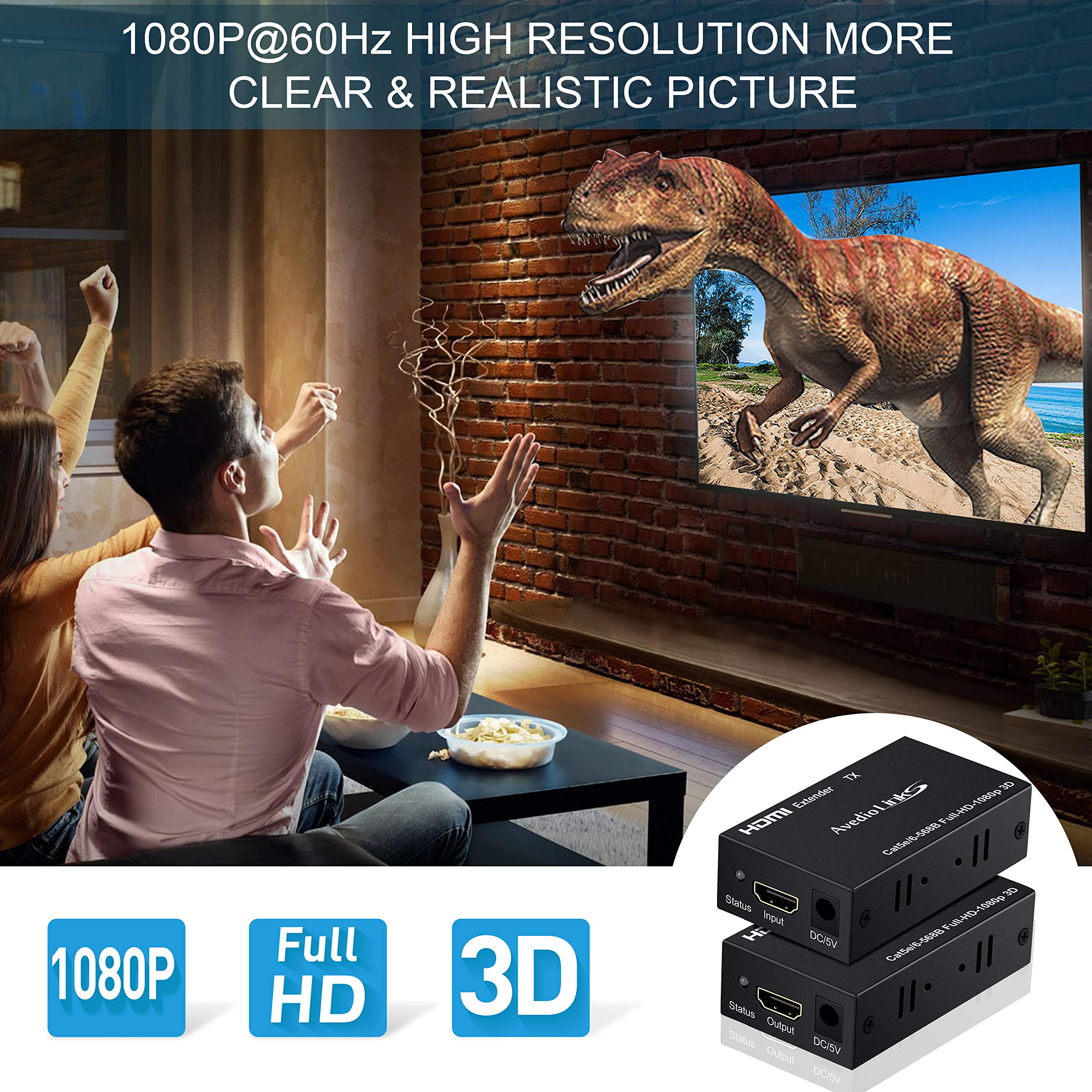


🎉 Elevate Your Viewing Experience—No Limits!
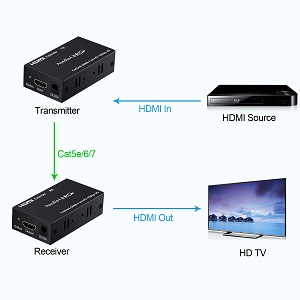
The avedio links 196FT HDMI Extender allows you to connect HDMI devices over long distances using CAT5e/6/7 cables, supporting full HD 1080p video and high-definition audio formats. With easy installation and versatile applications, it's perfect for both professional and personal use.




S**R
Good product for the price and worked with laptop on 120ft
I used a HP laptop as the HDMI video source with 1920x1080 resolution and connected Epson projector as display. The HDMI extender is easy to setup. Literally just plug and play. No configuration need.I started testing with 25ft Cat6 ethernet cable. Worked like a charm. I played DVD on the laptop and displayed on the projector as extended desktop (meaning using the projector as second screen with different content than primary screen). Then I tested using with a animated PowerPoint slides. It worked good. But 25 ft was not the real use case.Then I tried with 200 ft Cat7 ethernet cable. I was hoping with the later standard Cat7 cable, I can get it to 200 ft. No luck. There was no HDMI signal on the projector. The description said maximum length of 60m/197 ft, so I verified that it would not work for 200 ft.Next, I used 150 ft cat 7 cable. Got HDMI signal on the projector. It showed window 10 desktop good. Powerpoint slides good. I changed the laptop display setting to use the projector as a duplicate display. This way I can see if there is any delay or lag. Both the laptop and the projector display at the same time (in sync), so there is no noticeable delay. One thing is that I turned off the HDMI audio from my laptop when I used the 150 ft cable. It seemed to work better that way at 150ft. It played the DVD ok from my computer.Then I switched to a 120 ft Cat6 cable. I have a feeling that 120 ft cable worked better than the 150 ft Cat7. I did not notice any video getting dropped. And with the 120 ft cable, I tested with HDMI audio and without HDMI audio. They worked well with or without audio. I did the same test as before, played DVD, Powerpoint and two 4 min 1080p videos from my camera.During the course of testing, I had to work with Support using email. The reason I gave this a 5 star was because they have good customer service. You have to use email though, and they responded overnight. I had multiple email exchange with them while trying to figure thing out.It definitely worked with 120 ft on Cat6 cable.Once I got things working, I used it with a HDMI splitter to produce 2 output display. One connection to projector using the extender, another go to TV using HDMI cable. That also worked. I wanted to see if the video signal is still in sync between the 2 output. Again there is no noticeable difference with this setup. I did feel the audio output from my projector and the TV has tiny bit of lag between them when I played DVD. I could not actually tell which one has a lag. But I have to really try to notice the slight difference. No big deal there. For my final solution, the distance is 130 ft, so I need to find a cable/solution for it.One important note is that the quality of the Ethernet cable makes a big difference. Make sure you use good regular UTP ethernet cable. The product description said Cat5e/6 cable. Surprisingly, I have better result with Cat6 cable than Cat7. I also have better result with the regular cable than the flat one. The flat ethernet cable did not work as well. So save yourself sometime and use the regular UTP ethernet LAN Cat6 cable. I recommended only Cat6, not Cat5e.I did some test. I used a Sony camcorder as the source with 1080p. I used a Sceptre 4k TV as the output. I tried a 100ft Cat6a and 200ft Cat7 cable. I was surprised that the 200ft cable also worked.Overall, for the price and quality it is good, and customer service is great.
A**N
Bad power supply -Edit-
I initially plugged this in and there was no power. On examination the power supply housing had some damage and opened very easily. The inside smells like the magic smoke left. I used a different power supply and it powered on.I tested this with a 5’ CAT 6 patch cable, the display works and and USB extension works. However the display is only 1280x800. When I plug the monitor direct into my server it is a full 1920x1080. When I used a second 12V power supply in the receiving end, I was able get full 1080. I have it set up as a KVM for a video server and the monitor at my desk. Works well after replacing the power supplies.
A**A
Worked great, had issue, customer support took care of it.
Update 6/7/20After working with customer support (exchanged several e-mails) I ordered a new unit set that worked just fine with my original cables and customer support refunded the cost of the new order since the product was under warranty.I will say that these units work better than the more expensive Vanco Evolution HDMI extenders they originally replaced. The Vanco units would drop signal / flicker every time ceiling fans were turned on and these avedio units do not. Note, my TV and Video source each are on separate dedicated supply circuits that do not have any other devices on the circuit.This extender worked fine at first. Just connected the cables, power and powered on the devices (Xbox One / Samsung TV). I'm using a Cat5e cable that is about 75ft. Then the devices just stopped. No signal. I have two spare cables and they do not work either. My search for a simple extender that just works for more than a few months continues. Note, I have contacted support for this product since it should be under warranty. We will see.
A**H
Does not work for extending keyboards or mice
Bought this to extend usb connection for wireless keyboard/mouse to use my PC on the living room TV (using a separate fiber HDMI cable for video that is not going through this extender). Before running the ethernet cable I decided to test the TX/RX devices to make sure they work and they do not work with any of my wireless or wired keyboards or mice. The closest they came to working was intermittent keyboard signal and very poor mouse input that only would move along the vertical axis on screen, and barely at that.To troubleshoot I tried changing from the 100 ft Cat 8 cable I was going to use to a 6 ft cat 6 cable, connecting the DC power to the RX instead of TX, switching to a different male-to-male USB A cable than the one it came with, switching the USB port used on my PC to every different port I have, and trying to use my wired mechanical keyboard and wired steelseries mouse instead of the wireless mechanical keyboard and G305 mouse. None of these worked.In my attempts to figure out if there was something else to try, I found an ebay listing for these devices that mentions they have very narrow support for keyboards and mice and that most mechanical keyboards and wireless devices will not work with them. This is mentioned nowhere on this Amazon product page and I would never have bought it if the seller had disclosed this to begin with.If you are planning to use a KVM for a keyboard and/or mouse, buy a different product, I am returning this one.
A**I
Worked exactly as I wanted it to.
I bought this so I could connect a monitor and mouse in my office with the DVR system that was located 50 feet away. I used a CAT 6 cable, connected the HDMI cables and USB cables to the extender, and it worked like a charm. There is no distortion in the image quality and I'm using it for a DVR system that I bought back in 2019. This saved me from having to walk over to the network closet where the DVR is located and I can view the equipment from my office.
Trustpilot
2 months ago
1 month ago