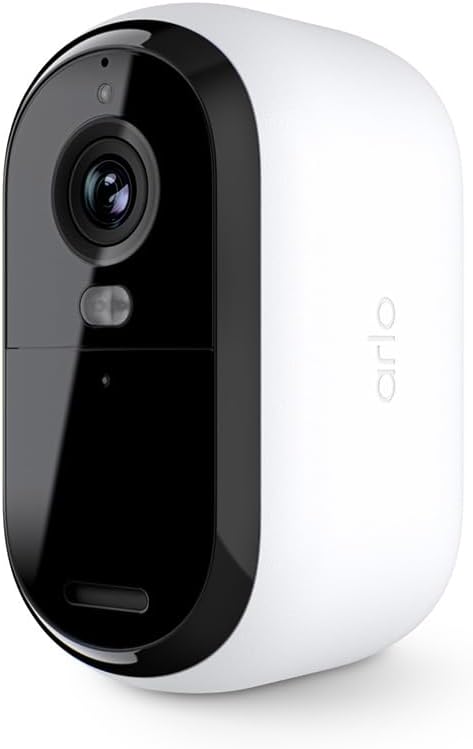
There is some combination of settings I use in their app that will brick these cameras permanently with no ability to factory reset. I haven't figured out which combination of settings it is, but it seems that it might just be safer to keep the cameras at their out-of-the-box settings if you want to avoid bricking the product. This is garbage coding by the manufacturer. It's easy enough to return a new one, but you are out of luck (and money) if you brick an older one. Pretty cool business model to place a trap door in your firmware code that forces people to buy your product again. EDIT: figured out the trick to re-syncing these when you get stuck with the blue light long flash. What's happening is that when you have gone into the app and removed the camera, it can no longer connect to your wi-fi. The issue is that it is STILL creating and trying to upload recordings nonetheless. When you go to perform the reset and reconnect steps they wont work because you are handling the camera and generating new recordings by creating motion. The trick is to: 1. Make sure the camera is fully charged. 2. Set the camera on a shelf in a well-lit room, facing a static scene like a wall or at objects that will have no motion from things like shadows, movement or lights being turned on/off. Leave it here for whatever amount of time it needs to complete trying to record/upload. Wait until the long blue light flash stops plus some time for good measure. 3. Press the pair button on the camera for 3 seconds but do so while holding the camera perfectly still and not generating a shadow in the view of the camera - all of this while facing the static scene you created. This should give you the fast blue light flash we need. 4. start the "add device" process in the app. 5. the add device process will tell you this device has been previously paired and needs to be reset. 6. press the pair button on the camera again, this time for 15-20 seconds (or until you see an amber light flashing) - again, hold the camera perfectly still. 7. Wait until the amber light stops flashing, then press the pair button again to get the fast blue light flash. 8. tell the app to attempt to connect to the device again. This time the app should find the camera. 9. in my case, the app froze when attempting to name the camera. If this happens, close/terminate the app. Re-open the app and go into the settings for the camera you just successfully added. It will have an error message that "onboarding must be completed", click that and complete the rest of the setup if necessary. What a farce. This company needs to fire their developers and bring on new people to improve this code/logic.