



🖥️ Elevate your dual-monitor game — because your desk deserves the upgrade.
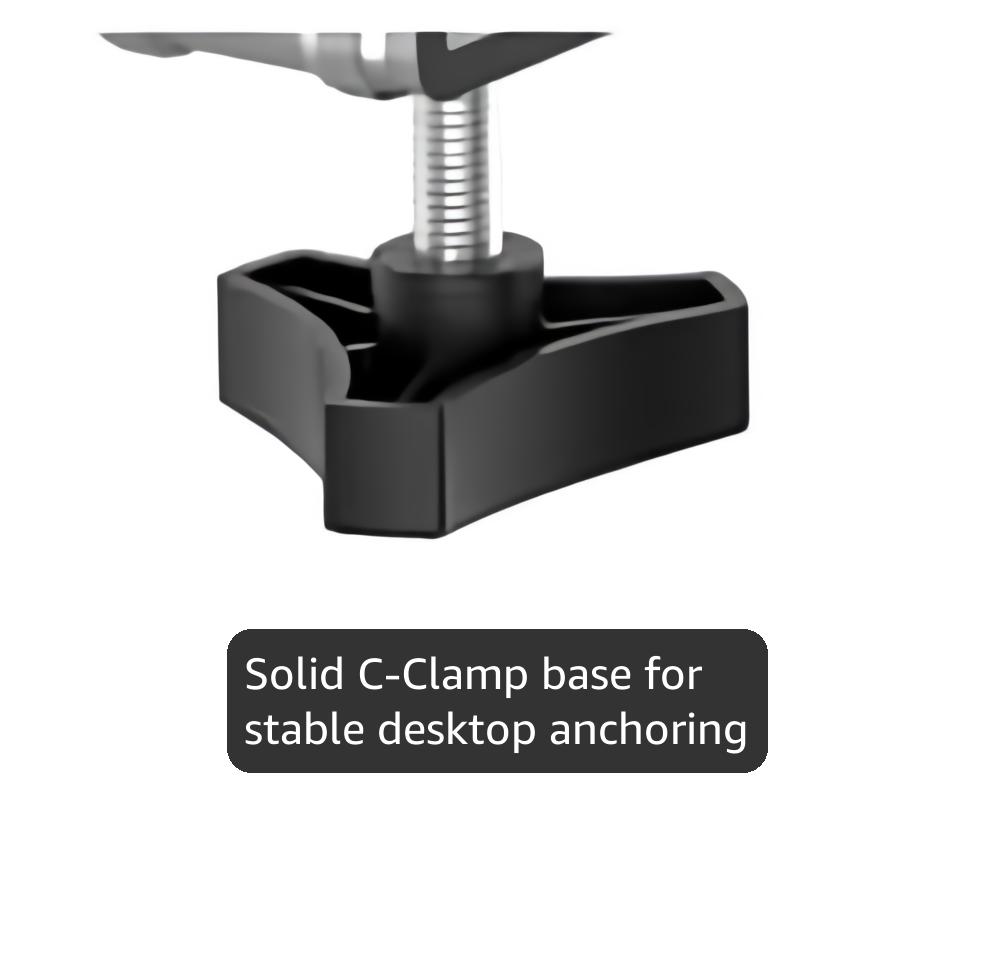
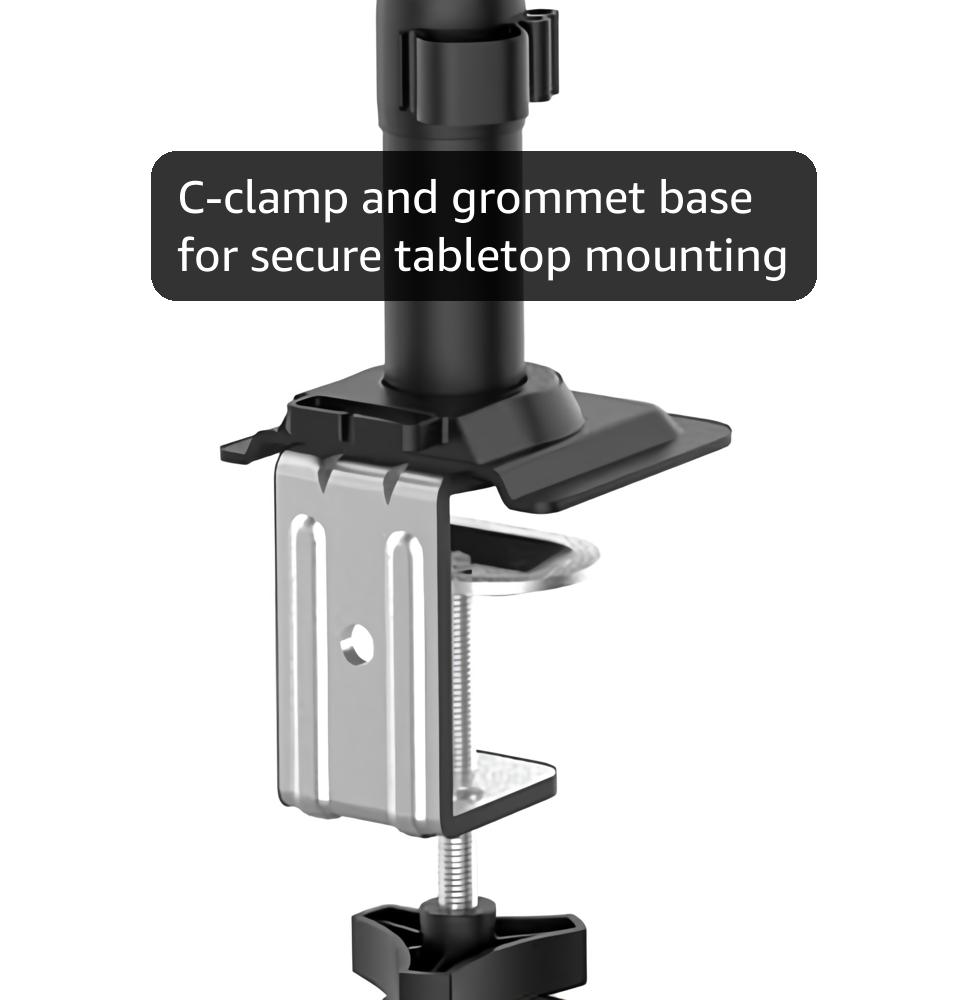
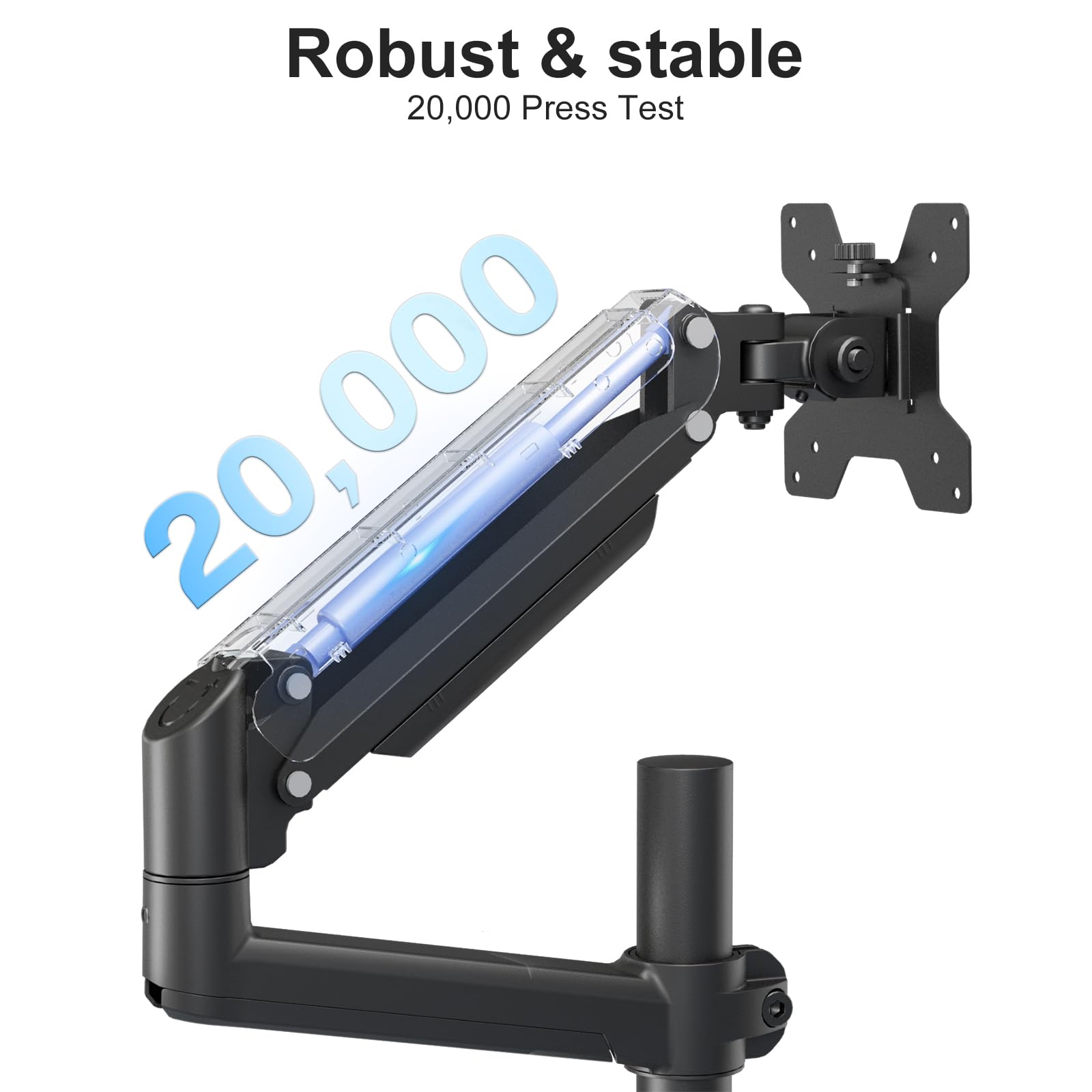
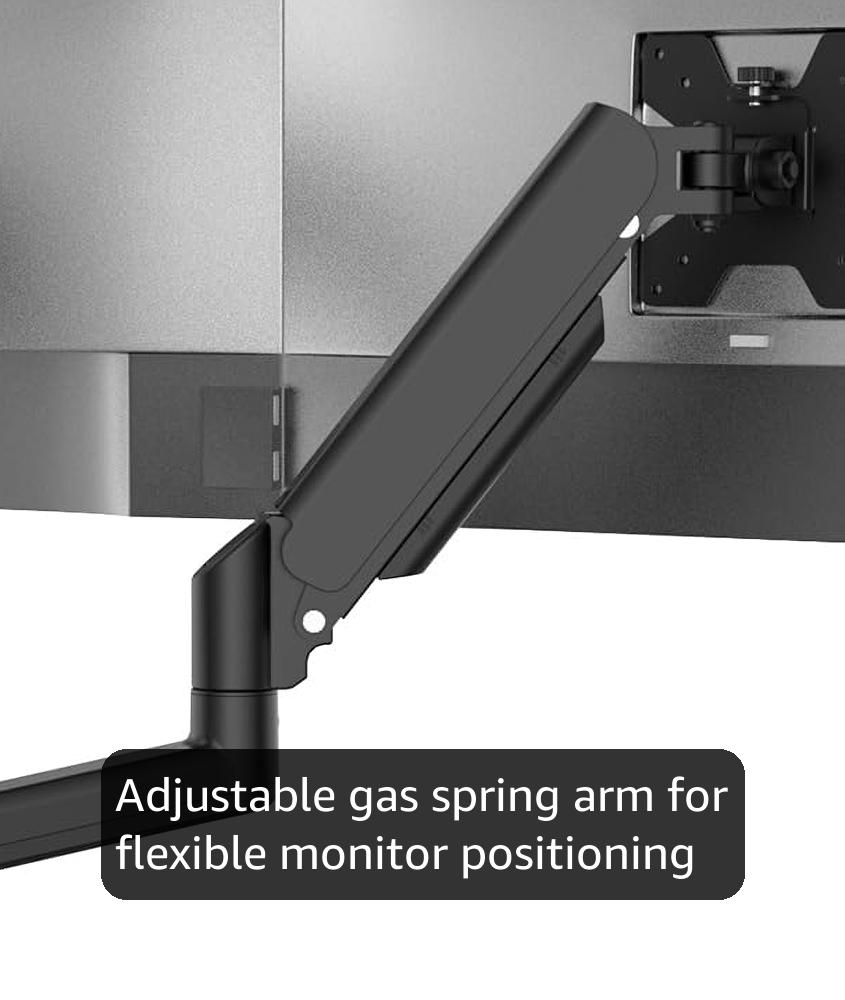
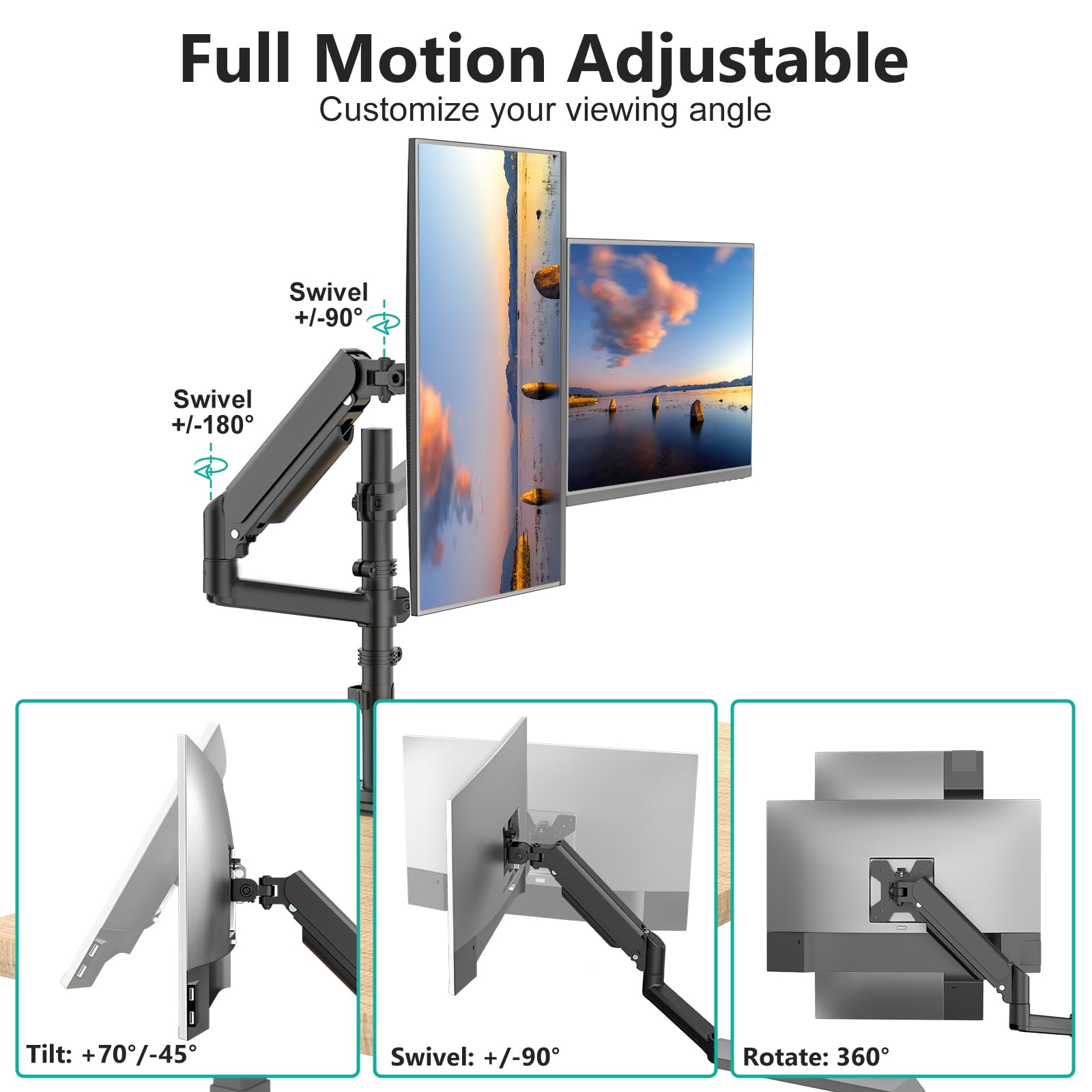
The WALI Dual Monitor Mount supports two 13-32 inch monitors up to 19.8 lbs each, featuring a gas spring arm with 360° rotation, ±180° swivel, and +70°/-45° tilt. Its robust alloy steel construction ensures stability, while versatile mounting options (C-clamp and grommet) save desk space. Integrated cable management and easy installation make it a top choice for professionals seeking ergonomic efficiency and a clutter-free workspace.


| ASIN | B07DM7N5BH |
| Best Sellers Rank | #62 in Computer Monitor Arms |
| Brand | WALI |
| Built-In Media | Dual Monitor Gas Spring Mount, Mounting Hardware Kit, User Manual |
| Color | Black |
| Compatible Devices | Monitor |
| Customer Reviews | 4.4 out of 5 stars 9,266 Reviews |
| Enclosure Material | Alloy Steel |
| Global Trade Identification Number | 00811278021617 |
| Item Height | 9.96 inches |
| Item Type Name | Dual Arm Gas Spring |
| Manufacturer | WALI |
| Maximum Tilt Angle | 90 Degrees |
| Maximum-Supported Screen Size | 32 Inches |
| Minimum-Supported Screen Size | 13 Inches |
| Mounting Type | Tabletop Mount |
| Movement Type | Articulating |
| UPC | 811278021617 |
| Warranty Description | 10 Year Warranty |
W**N
This is my first desk mount.
This is my first desk mount, and I wish I'd made the switch sooner. I'd always used whatever stand the monitor came with until my brother talked me into picking up a mount. It's made a world of difference. I'm 6'4" tall, and as such, have never had a monitor that could adjust high enough for optimal viewing. This mount changed all that, and more. Not only am I able to position my monitor higher up, bringing my eyes in line with the middle of the screen, but I'm also able to position my monitor closer to my face for better immersion in single-player games. When I switch to something competitive, I'm able to push the monitor back so that I'm better able to see the whole screen. That flexibility alone was worth the price of entry. Assembly and adjustments were easy with this mount, and it includes all necessary tools. I had it attached to my monitor and my desk in less than ten minutes. I went with the c clamp mount, but may ultimately drill a hole in the desk. Materials seem really solid. There's some flex in the plastic cable management bits, but that's by design. It makes it easier to route the cables themselves. Adjusting the various hinge points in the mount was very simple, although it took a bit of tinkering to dial it in for my 27" monitor. It feels like it's on the heavier side, but this mount can apparently handle a lot more. If I dial the tension higher, the mount will spring half-way up even under all that weight. The real test with a product for me is whether I'd recommend it to a friend. I wouldn't even hesitate to recommend this desk mount. It's great, and the added flexibility in monitor positioning adds a lot to the PC gaming experience.
T**.
Great Product! Will be buying more. High Quality
The WALI Single Monitor Mount is an excellent product that has completely transformed my desk setup. It’s sturdy, easy to install, and offers great adjustability for my 27-inch monitor. The gas spring arm makes it simple to tilt, swivel, or adjust the height to get the perfect viewing angle. It also cleared up a ton of desk space, which is a huge plus. The build quality feels solid, and everything stays securely in place. For the price, it’s a fantastic upgrade for anyone looking to improve their workspace. Highly recommend!
E**N
Not the ideal table mount (ultrawide users).
This is far from the ideal table mount for ultrawide monitors, but it is somewhat serviceable if you can live with some flaws. Please take some time to look at the screenshots I posted for an idea of how you would want your setup to look like. 1. With my monitor flushed back toward the wall as I possibly can, there is still a 8.75 inch distance from the wall to the monitor's screen (not back of the monitor's housing). 2. I have it so that I cannot see the "arm" attached to the pole because it would have been an eye sore to see both the pole and articulation arm. That's the reason why I have it at 5.75 inch from top of the desk to the bottom of the monitor. 3. The clamp method is solid, granted you have support metal framework or a sturdy wood framework that will allow the clamp to station itself properly. I have it just tight enough where I can't twist it any further without causing damage to my desk. It seems sturdy. The weight of my monitor is 18.7 pounds and it is an ultrawide monitor found here: https://www.amazon.com/dp/B06XFXX5JH/?coliid=I18UWY3B4ZBTSR&colid=3NQEL5RPRFI67&psc=0&ref_=lv_ov_lig_dp_it 4. The points of articulation are good, but they do not execute well. Tightening and loosening each articulation point requires a tool (provided), which feels archaic. The gas spring is a nice touch, but I had to find the perfect sweet spot where the arm and articulation point held firmly after using the tool and winding it up several times to get it right without it falling and slamming my monitor against my desk. This isn't necessarily the fault of the articulation points, but just the technology seems dated. 5. Range of motion has good options because of the multiple articulation points, but it feels stiff. Changing each articulation feels rusty. I understand that it shouldn't feel too "oiled up" because it won't have that sturdy feel. It does feel like a trade-off. 6. I went in expecting to get a fully articulated mount for different viewing purposes, but I think I ended up with a table mount that can only stay in one place or else the composition of my desktop setup looks imbalanced. As you will see in the images, the pole is mounted off-center so that I can have my ultrawide monitor centered properly. Because of the arm and how it articulates, there is no other way around it. You will understand this better if you do decide to purchase this mount. 7. For my first time installing a monitor table mount, it was overall an easy-to-moderate experience. There were steps in the installation that were frustrating, but I think that had to do more with how I wanted my setup to look like without compromise. 8. Because of the 8.75 inch distance from wall to monitor screen, the monitor feels to close for my viewing preference. The difference between this table mount and the original monitor mount is, 8.75 inch from wall and 6.75 inch from wall (original mount). The two inches makes a difference when it comes to desktop real estate. If you plan to having it flushed against the wall, especially completely, this isn't the mount for you. If you want smooth and seamless articulation and range of motion, you may need to look elsewhere. Perhaps the Amazon Basics mount or the Ergotron LX. They are both in the $100+ range so I understand those mounts may not be ideal. But I'm an idealist when it comes to my PC gaming and desk setup so I will most likely look at a few other options. 9. VESA mount was easy to install. Even my monitor supports VESA 100x100. Most monitors do, so please check out your monitor and remove its original stand to measure it for yourself. Do not always trust the manufacturer's customer service because LG told me that my monitor is NOT VESA mount compatible. It's 70x70 and 100x100 VESA mount compatible. Final Verdict: I may or may not keep this mount. Perhaps, I need something simpler. Maybe just a pole and VESA adapter mount. I don't think I care so much for the arm and articulation because I found it too much of a hassle to center my monitor. Not to mention, not being able to have my monitor more closer to the wall was probably the deal-breaker for me. A couple of more inches back and I would have been pretty satisfied. To understand more of what I tried to articulate, but done so poorly (haha), please check out the images below. The measurements I listed above are true. It may not look like it in the images, but I measured it. I was not paid to write this review. My opinion is my own. I only hope to help others find good products and hopefully make their lives a little better. I hope my review was helpful. Update: I ended up returning it because the gas spring was not working properly as it should. No matter how much I set it to keep the weight of my monitor up, it would droop and slam my monitor to the desk. It was working just fine for almost two days and then it malfunctioned. As an alternative, I purchased WALI's other mount without the arm. I am able to flush my monitor further back (almost 3 inches further back than than this mount), and I'm very satisfied with it. If you are interested in a excellent desk mount without the articulating arm, check this out: https://www.amazon.com/gp/product/B07MTS4H7P/ref=ppx_yo_dt_b_asin_title_o03_s00?ie=UTF8&psc=1
J**.
Great monitor stand!
Works Great ! This is a great monitor mount. Covers cords and keeps things neat. Awesome avialble heights, widths, sides etc. Has a tool spot to keep them close for doing big change /adjustments right on arm and out of sight. Works very well.
J**Y
Best Monitor Pole/Stand I've Used
This is a fantastic and well built monitor stand. I tried other options previously, but they were for a single monitor to the side or top and had a straight single or double arm. I wanted to mount both of my monitors and have a greater range of motion - this dual gas spring option fit the bill perfectly and I couldn't be more happy with it. The main usage for this stand is for my dual monitor setup next to my gaming PC. I also work from home so I use my secondary PC monitor as an extra work screen during the work day. Here is my setup: I installed the arm into a hole I cut our of my desk (I plan to build a desk and use the C clamp instead). On the first gas spring arm is my Gigabyte G34WQC. I was admittedly nervous about this being able to hold it, but it has held just fine and I am able to adjust the arm (after tweaking the tension a bit). After that, I slid on a 3 tier arm and attached a laptop tray to that to hold my work laptop (Dell Latitude 7480). This allows me to fold my work laptop back to the side and over my desk since I mostly work from home. The second gas spring arm is the highest and holds my Gigabyte G27Q. The way I have it setup allows me to slide this monitor in front of my ultra-wide if I want to switch monitors and also allows me to turn it sideways if I am using it to read or edit documents for work. Overall I am very happy with this stand and it has worked flawlessly.
K**.
Awesome
Handles 1 34 inch and a 27 inch stacked up on each other perfectly. I suck at cable management but everything seemed to fit nice and was fairly easy to assemble. I would recommend.
K**G
Does it's job, but not very well...
Just pass on this thing. Spend a little more money and get a better one. As I'm typing this review, my monitor is bouncing up and down. Pros: Price, very versatile, has integrated cable management Cons: Not sturdy, wiggles, monitor attachment point wobbles, wont hold tilt angle, no detent on rotation angles. I really really want to like this monitor stand. It has a lot of the features I was looking for, but sadly it just fails at it's job. I have a 32" and a 30" monitor attached to it (max is 32"). Both are less than the maximum weight limit by multiple lbs. BUT, the monitors keep tiling downward. The manual says to adjust the tilt tension screw, but when I do it feels like it's as tight as it can go, so that's no help. I had to really really crank on the gas spring tension to get the monitors from slamming down onto my desk under their own weight (which again, is less than the maximum). So basically, this monitor stand has one job - holding up monitors - but it can't even do that right. If you have some tiny little 20" monitors, it'll probably work great. But if you have anything approaching the 32" max, it just won't work well for you. The monitors bounce all over the place just from simple typing. They basically wont hold any angle that you set. As I'm writing this the screen has tilted forward about 10 degrees and rotated clockwise about the same. It's just not a good product. I will be returning it for a better one.
K**K
Great monitor arm for its price point. Good for stacked and mixed monitor orientations
This isn't the most premium monitor arm you can buy, but for the price point, I think you know that. I was specifically interested in this one to try a stacked monitor setup, and this one supports that as well as more conventional arrangements, so I felt good about purchasing it. This has worked well for the multiple 27" and 32" monitors that I've thrown on and rotated around on the arms over the years. The cable management isn't great, as I can only feel safe pushing around 2 cables per arm through the holes, but what it has still cleans up my desk quite a bit. I have this attached to a beveled desk, so I do use the WALI reinforcement plate alongside the arms, and it's worked perfectly.
Trustpilot
3 weeks ago
2 weeks ago



